Fraud Controls
Part of Checkout security and access
Reviewing checkout permissions for third-party apps
Inventory checkout apps, compare granted access with each app’s job, and plan safe permission changes or removal.
Review each installed app against its job: what it can read, what it can change, and whether it still needs that access.
Assign the decision to someone who understands both the app’s business purpose and its effect on checkout.
Start with apps that touch the buying path
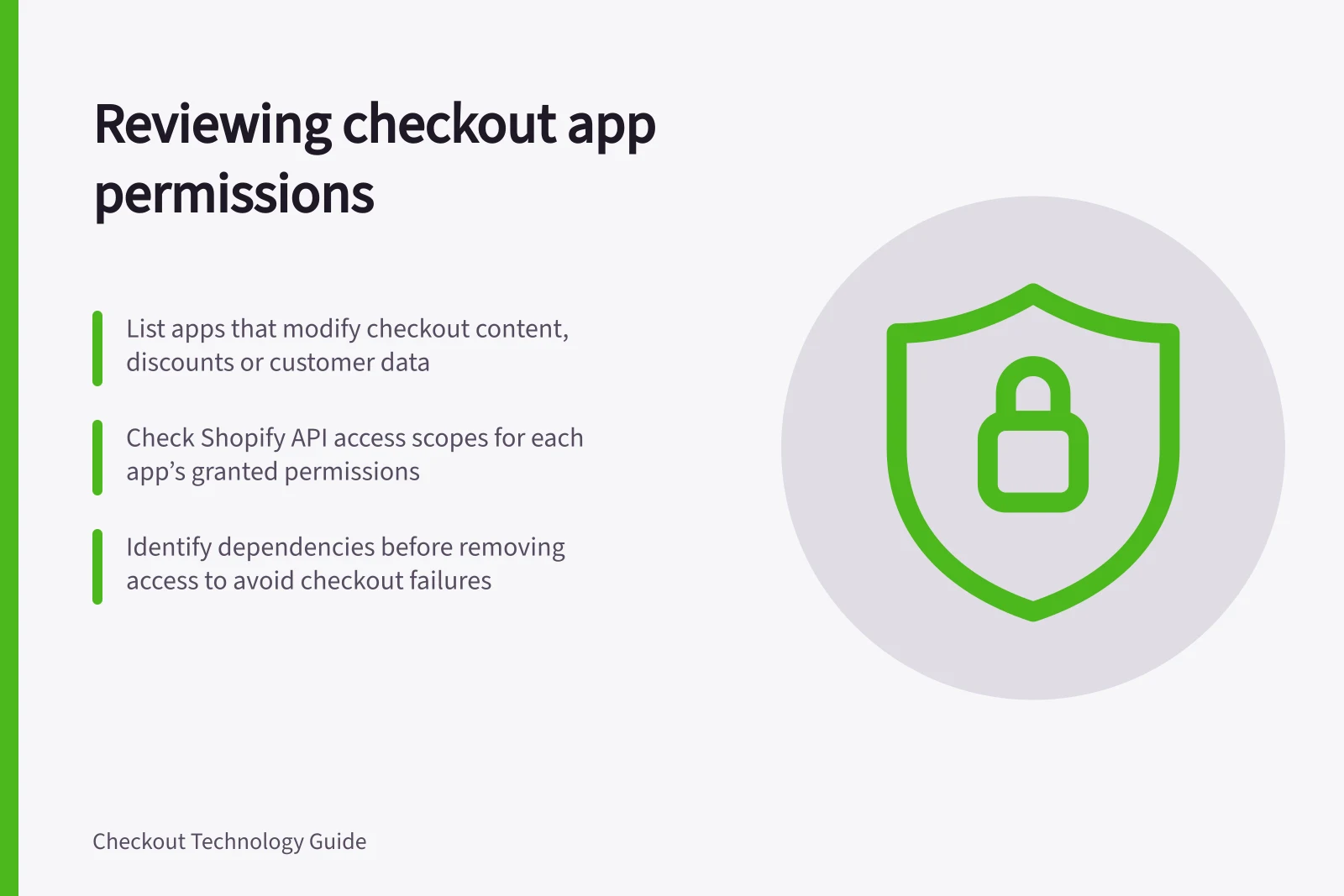
List apps that add checkout content, run page scripts, change discounts or delivery choices, receive orders, or access customer data.
Include connections outside an app marketplace, such as tag-manager integrations and custom API clients.
Record the business owner, purpose and last approved change. Where available, capture the permissions granted to the installation and its recent activity.
For each grant, ask what would stop working if it were removed. Read access to orders and permission to change checkout settings are different decisions.
Check whether the app receives more customer information than its current task needs.
| Decision | Evidence to seek |
|---|---|
| Keep | Named owner, current purpose and access that matches the task |
| Narrow | A supported way to reduce access and check the affected journey |
| Investigate | Unexplained grant, recent change or unclear data destination |
| Remove | No remaining purpose, after checking dependencies and remaining data |
Check the platform’s permission model
For Shopify third-party apps, Settings > Apps lets you review an app’s history, permission details and activity.
Shopify API access scopes control which store data an app can read and write, and are grouped by scope type. Examples include creating products, viewing products, initiating a checkout and viewing orders.
Check the grant held by the installation, not just the permissions in an app description.
Shopify notes that merchants approve requested scopes when installing a new app, and that some scopes require Shopify approval or are limited to certain store types.
Ask the provider why it uses each grant and where customer or order data goes.
If a provider performs a function within or related to the cardholder data environment, establish which PCI responsibilities it performs and what evidence covers that service.
An ordinary checkout app is not automatically such a provider.
Change access carefully
Before narrowing or removing a grant, identify what depends on the app.
A discount, shipping quote, fraud control or order handoff may fail if required access disappears.
Find out whether the platform lets the merchant narrow the grant directly or whether the app provider must change its requested access.
Use supported controls and check an ordinary purchase plus the app’s specific feature in a permitted test setup.
If the app is no longer needed, review its uninstall instructions, subscription, remaining data and any code or settings it leaves behind.
Revoke separate credentials where necessary; do not assume uninstalling the app revokes every independent connection.
Keep the change record so a later checkout edit can be traced.
Recheck retained grants when permissions or purpose change, or ownership becomes unclear.