Fraud Controls
Part of Checkout measurement
Separating payment failure from customer abandonment
Distinguish confirmed failed attempts from departures, cancellations, pending payments and unknown outcomes.
Classify a payment attempt as failed when the integration supplies a failure outcome. Record a checkout that ends before any known attempt separately. Keep an attempt with no dependable final outcome pending or unknown. A missing analytics purchase event establishes none of these causes.
Build the checkout timeline
For each checkout or order, record the last observed buyer action, whether an attempt was submitted, its provider reference and outcome, and any later order update. Browser and provider records can arrive at different times. A shopper may close the page while a payment is processing or complete an external step without returning.
| Evidence available | Reporting category to consider | Limit |
|---|---|---|
| Reliable records show no submitted attempt before the checkout window ends | No observed payment attempt | The reason for leaving remains unknown. |
| Provider confirms an attempt failed or was refused | Failed payment attempt | The shopper may retry and complete the order. |
| Provider says payment is processing | Pending payment | Do not count it as paid or failed yet. |
| An explicit cancellation signal is recorded | Cancelled payment step | Keep the action distinct from a provider refusal; its reason may still be unknown. |
| Browser progress stops but no dependable attempt outcome is available | Unknown outcome | Check the integration before assigning a cause. |
If attempt logging is incomplete, absence of a recorded attempt belongs in the unknown category. Set the observation window and state whether late outcomes revise earlier reports. Preserve the event history when a pending order later changes state.
Checkout Timeline: Tracking Payment Attempts and Outcomes
- Browser action ends – no attempt submitted
- No observed payment attempt
- Payment attempt submitted – provider confirms failure
- Failed payment attempt
- Payment processing – outcome pending
- Pending payment
- Explicit cancellation signal recorded
- Cancelled payment step
- Browser progress stops – no reliable outcome
- Unknown outcome
Join attempts to orders
One checkout can contain several attempts. Keep the store’s order or checkout reference, each provider attempt reference, method, status and time. A failed card attempt followed by a successful retry is a completed order with a recorded failed attempt. It is not a permanently failed or abandoned order.
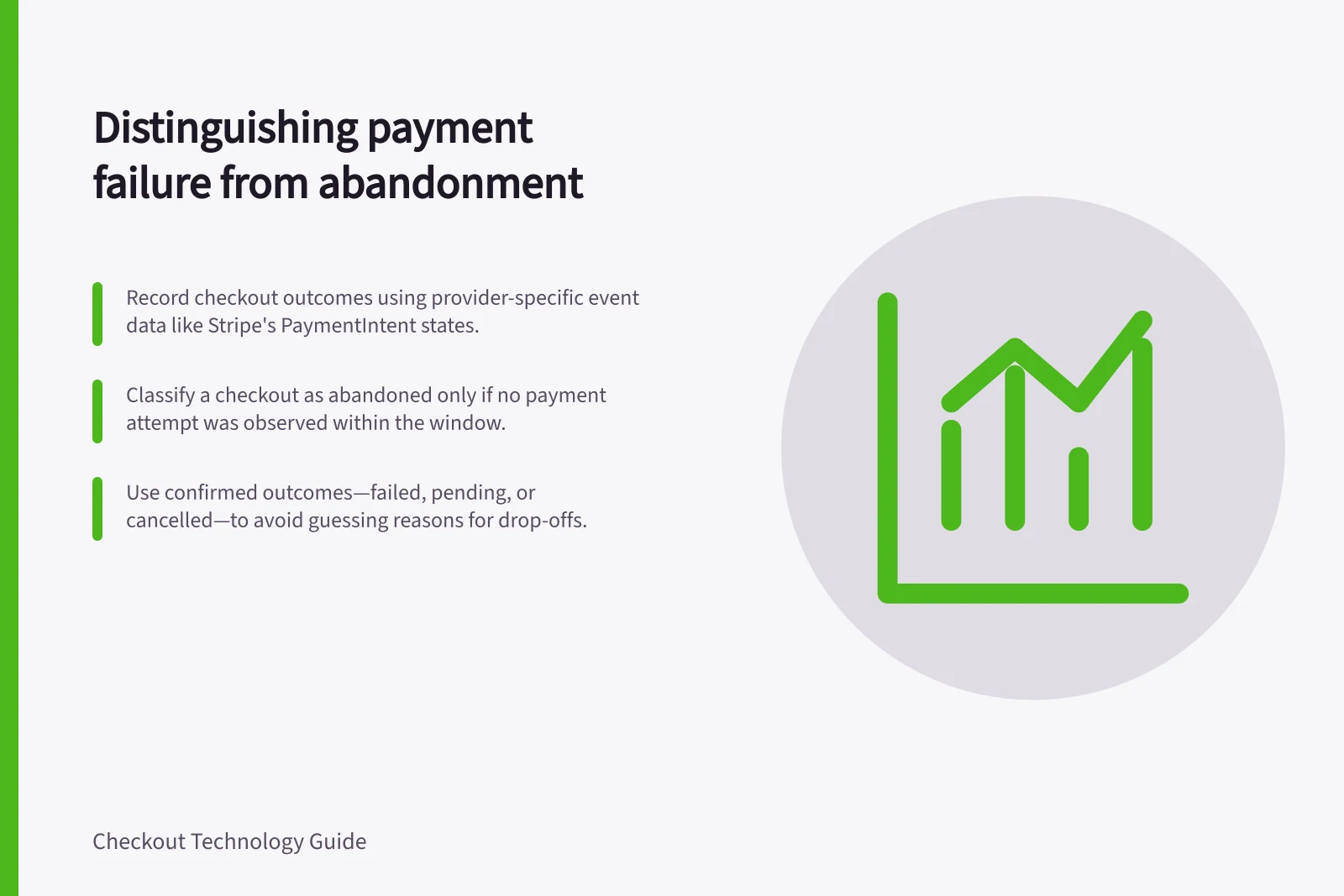
Use provider-specific meanings. Stripe documents PaymentIntent states including processing, requires_payment_method and succeeded. Adyen payment webhook messages include an eventCode identifying the event type and a success field indicating whether the event succeeded.
Use the provider’s documented event type to inform business logic. Neither provider’s labels should be assumed for another integration.
Authorisation and capture may be separate where the merchant uses separate capture. Define the payment state that allows the order to be called complete under the store’s policy; a customer-facing return page is insufficient evidence on its own.
Provider-Specific Payment Event Handling: Stripe vs Adyen
- Stripe PaymentIntent Status
- `processing`, `requires_payment_method`, `succeeded`
- Adyen Webhook Event Code
- `eventCode` identifies event type, `success` field indicates success
Describe abandonment without guessing why
If reliable records show that checkout did not reach a payment attempt within the chosen window, report that observation. Event data alone usually cannot tell whether price, a form, distraction or another problem caused it. An explicit cancellation identifies an action, though it may not explain the buyer’s reason.
Compare analytics events with order and attempt records before labelling a checkout as abandoned.
Steps to Accurately Classify Checkout Outcomes
- Confirm if a payment attempt was submittedCheck provider records and browser logs
- Verify the final outcome from the payment providerUse documented status or webhook events
- Distinguish explicit cancellation from refusalCancel signal ≠ provider refusal
- Do not assign cause without evidenceAvoid guessing reasons for abandonment
Review exceptions before acting
Review four cases: a departure before submission, a provider-declined attempt, an explicit cancellation, and a payment that finishes after the buyer leaves the page. Compare customer messages with analytics, order and provider records. If they disagree, retain the unknown category while checking the join or timing rule.
Report confirmed failure counts by the outcomes actually available, alongside the count of checkouts with no observed attempt. The two groups call for different investigations.
Key Checkout Outcome Categories for Analysis
- Confirmed failed attempts
- Reported by provider outcome
- No observed attempt
- Checkout ended before submission
- Pending payments
- Awaiting final provider response
- Unknown outcomes
- Incomplete or conflicting data