Checkout Usability
Checkout measurement
Define checkout starts, completed orders, payment outcomes and order value so checkout reports support sound decisions.
Measure checkout with defined start and completion events, a reliable order outcome and a link between payment attempts and orders.
Before calculating a rate, decide what counts as a checkout start and when an order counts as complete. A single conversion rate cannot distinguish a shopper leaving, a failed attempt and a payment still processing.
Define the unit before calculating a rate
A shopper, a checkout, an order and a payment attempt are separate units. A shopper can return to checkout, and one order can include a failed attempt followed by a successful retry. For each measure, record the unit and its observation window.
| Measure | Definition to agree before reporting |
|---|---|
| Checkout starts | Eligible checkouts that first start within the reporting period. |
| Completed orders | Distinct eligible orders that reach the store’s defined completion state. |
| Checkout completion | Completed orders matched to eligible starts, divided by those starts, after the stated outcome window. |
| Payment attempt success | Successful submitted attempts divided by submitted attempts with a known final outcome. Show pending attempts separately. |
| Order value | An amount at a named point in the journey, with its components and currency stated. |
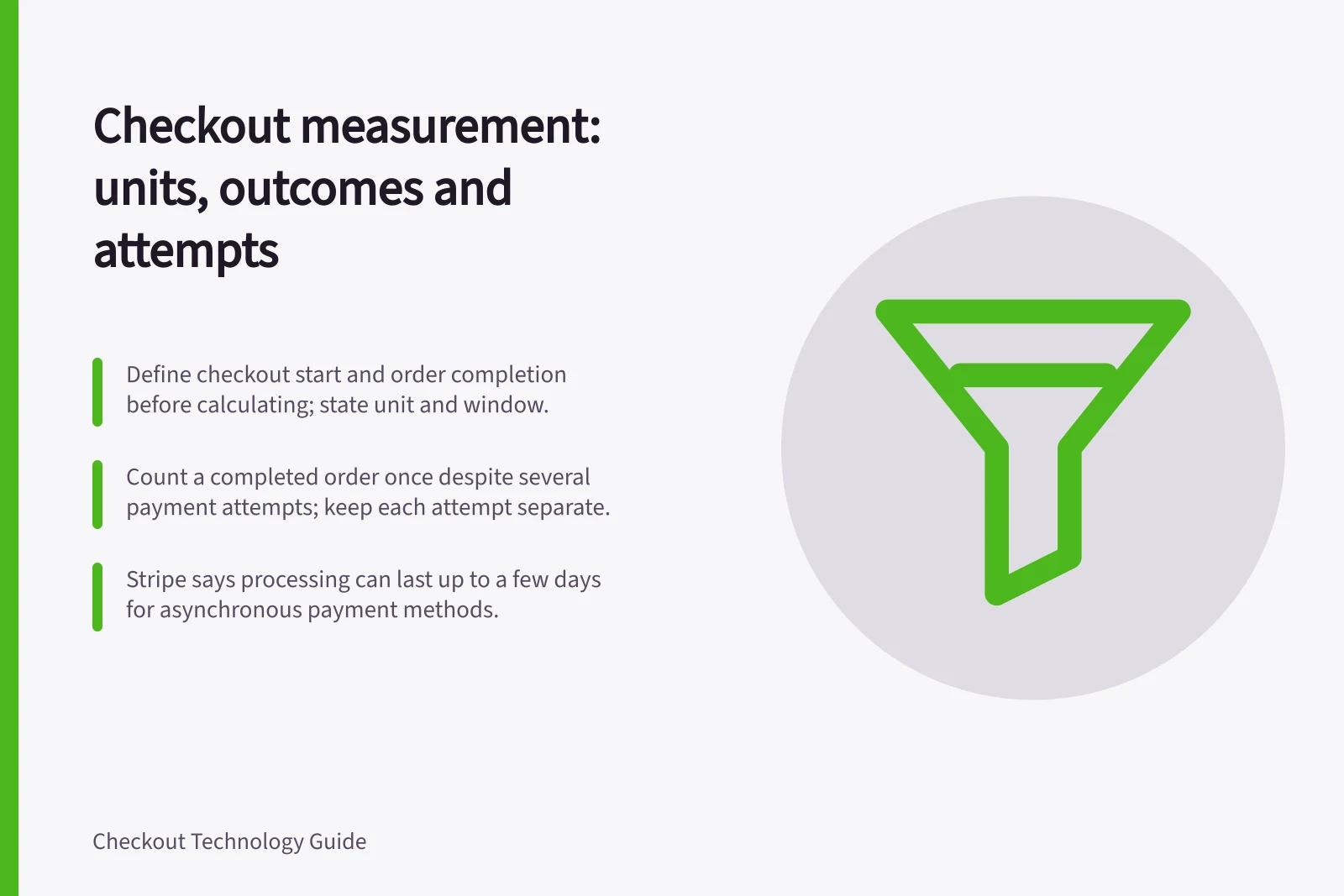
Map these units to fields the store actually receives. Count a completed order once, even if it took several payment attempts; keep each attempt for payment analysis. State how you handle cancelled orders and outcomes that arrive after the reporting cut-off.
Measurement units to define before reporting checkout rates
- Checkout startsEligible checkouts that first start within the reporting period.
- Completed ordersDistinct eligible orders that reach the store’s defined completion state.
- Checkout completionCompleted orders matched to eligible starts divided by eligible starts, after the stated outcome window.
- Payment attempt successSuccessful submitted attempts divided by submitted attempts with a known final outcome; show pending attempts separately.
- Order valueAn amount at a named point in the journey, with its components and currency stated.
Record the journey that exists
Record checkout start, fulfilment choice where relevant, submission of payment information, and the order outcome. Where systems permit, connect records with a checkout or order reference. Keep a provider reference for every payment attempt.
Google Analytics 4 provides a Checkout journey report. Check its configuration and scope against the questions your measurement plan must answer.
An analytics event alone is not proof that the provider accepted a payment or that the store’s order is complete. Define when each event fires, then compare any purchase event with order and provider records before treating it as evidence of the store’s completion state.
Google Analytics sends some event types automatically; other events in its recommended-events documentation require configuration. Before relying on a funnel built from those events, confirm the measurement plan’s required events are configured and arriving.
Keep unresolved outcomes visible
A buyer who leaves a payment page may have stopped, completed an external step without returning, or left while payment was processing.
Call an attempt failed only when the integration supplies evidence of failure. If the outcome is unavailable, keep it pending or unknown and check again after a suitable interval.
Stripe’s PaymentIntent lifecycle shows why the distinction matters: it includes processing, requires_payment_method and succeeded states. These are Stripe states, not universal provider labels. Map the chosen integration’s events to reporting categories, but retain its original statuses and attempt history.
Stripe’s lifecycle also includes requires_action when a payment needs an additional step, such as 3D Secure authentication. For asynchronous payment methods, Stripe says processing can last up to a few days, so an outcome window that is too short can leave legitimate payments unresolved in the report.
Before 11 February 2019, Stripe API versions use requires_source in place of requires_payment_method, and requires_source_action in place of requires_action. Preserve the original provider status and account for the integration’s API version when mapping statuses into reporting categories.
Stripe PaymentIntent status labels before and after 11 February 2019
- 11Before February 2019 — requires_source; requires_source_action
- 11On or after February 2019 — requires_payment_method; requires_action
Make amounts comparable
Keep the basket estimate, amount shown before payment, amount submitted to the provider, and completed order amount as separate values. Discounts, delivery and tax can change the payable total. A failed attempt’s submitted amount is not completed-order value.
An analytics amount may differ from the total an Australian shopper pays. Label each amount and its currency instead of calling unlike figures ‘order value’ or ‘revenue’ without a definition.
Interpret funnel patterns as measurement signals
A funnel can show where people stop progressing and whether the pattern differs by customer segment. Fullstory gives browser groups such as Chrome and Safari as an example of a segment comparison. Treat a segment difference as a signal to investigate, not a diagnosis of its cause.
Start with a broad checkout funnel, then compare progression for a specific hypothesis. Fullstory describes comparing a group exposed to a change with a group that does not see it; record which groups are compared and what outcome the test is intended to measure.
Interpreting funnel patterns as signals
- Start with a broad checkout funnelSee where people stop progressing.
- Compare progression for a specific hypothesisTreat a segment difference as a signal to investigate, not a diagnosis of its cause.
- Compare exposed and unexposed groupsCompare a group exposed to a change with a group that does not see it.
- Record groups and outcomeRecord which groups are compared and what outcome the test is intended to measure.
Review the data before acting on it
A useful implementation check would trace an ordinary purchase, a delivery change, a failed attempt with a retry, and a pending payment where the method supports one. Compare analytics events with order and provider records, including a return-page refresh.
Once the definitions hold, review completed-order and known-failure counts by relevant journey, device or payment method. Show counts alongside rates for small groups, and compare like-for-like periods using consistent event definitions and denominators.
Implementation and review checks before acting on checkout data
- Trace an ordinary purchase
- Trace a delivery change
- Trace a failed attempt with a retry
- Trace a pending payment where the method supports one
- Compare analytics events with order and provider records
- Include a return-page refresh in the comparison
- Review completed-order and known-failure counts by relevant journey, device or payment method
- Show counts alongside rates for small groups
- Compare like-for-like periods using consistent event definitions and denominators
In this guide
- Measuring checkout completion by payment methodCalculate payment-method completion while keeping attempts, retries, method switches and pending outcomes distinct.
- Separating payment failure from customer abandonmentDistinguish confirmed failed attempts from departures, cancellations, pending payments and unknown outcomes.
- Tracking order value consistently through checkoutKeep basket, checkout, payment and final-order amounts distinct, with consistent components and currency.