Checkout Usability
Part of Mobile checkout
Checking checkout usability with assistive technology
Checkout should be usable by people who navigate with a keyboard, screen reader, zoom or other assistive technology.
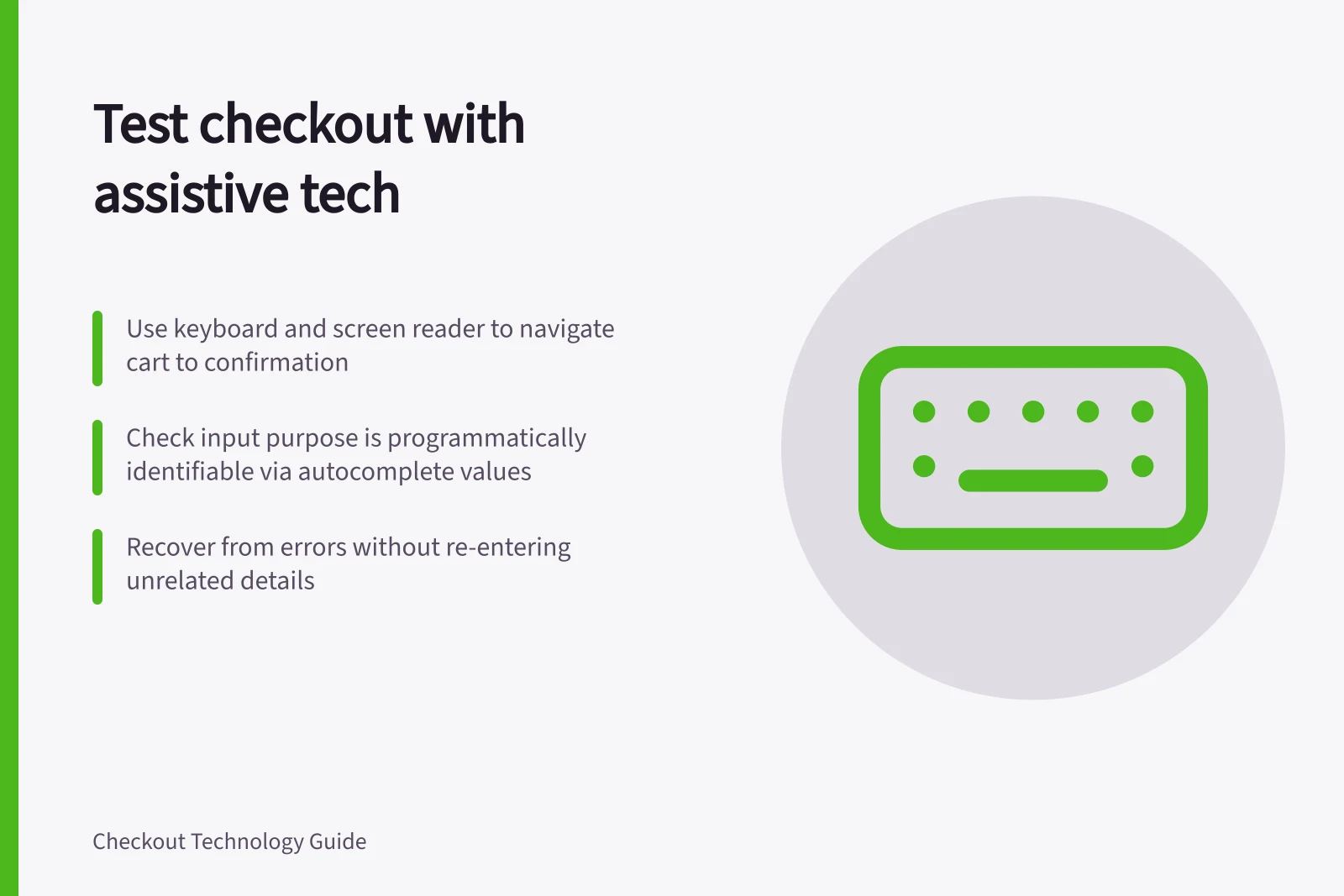
Check the complete checkout journey from cart to confirmation using a keyboard, a screen reader and zoom or enlarged text. Repeat the sequence through address, delivery, payment and review, then test recovery from address and payment errors; checking isolated fields can miss failures in the task.
Follow the buyer's task
Use WCAG 2.2 Level AA checkpoints SC 1.3.5 Identify Input Purpose and SC 2.4.11 Focus Not Obscured (Minimum). They address whether input purpose can be determined programmatically and whether a keyboard-focused component is entirely hidden by author-created content; neither replaces a complete task test.
- Start in the cart and move by keyboard through address, delivery, payment and review. At each step, check that you can reach the controls, tell which one is active and understand each option. A focused component must not be entirely hidden by site-created content.
- Repeat the sequence with a screen reader such as NVDA, JAWS or VoiceOver. Check that controls have understandable labels, instructions and required states, and that errors and options are conveyed clearly.
- Check the purpose of fields that collect information about the buyer. Where the input purpose is one covered by the criterion and the technology supports it, confirm that purpose is programmatically identifiable, not conveyed only by the visible label; name fields can use autocomplete values such as name, given-name or family-name.
- Repeat the journey with zoom or enlarged text. Check whether a fixed header or chat panel covers the pay button or an error, and whether the focused control remains at least partly visible.
- At payment, check that each offered standard card and wallet path has an accessible way to proceed. Keep the check focused on reaching the next step.
WCAG 2.2 Level AA Requirements for Checkout Accessibility
- 1.3SC .5 Identify Input Purpose — Input purpose must be programmatically determinable
- 2.4SC .11 Focus Not Obscured (Minimum) — Focused element must not be fully hidden by author content
Include recovery
- In a permitted test environment, submit an incomplete address, change a delivery option and correct a payment error. Pass when each message explains what needs correction, focus moves predictably and unrelated details do not need to be re-entered.
- Continue through review and complete the corrected purchase to confirmation. Pass when you can finish the journey with understandable choices using the tested controls.
Record the device, browser, assistive tool, version and exact failure step. Assign a fix owner and retest the same path. A completed purchase with understandable choices is the outcome to check, not a badge from an automated scan.