Checkout Usability
Mobile checkout
Mobile checkout should let a buyer enter an address, understand the total and complete payment without losing context when the keyboard or a wallet…
Mobile checkout should let a buyer enter an address, understand the total and complete payment without losing context when the keyboard or a wallet sheet opens.
Review the whole task on real devices, including error recovery and assistive technology.
Reduce typing without losing control
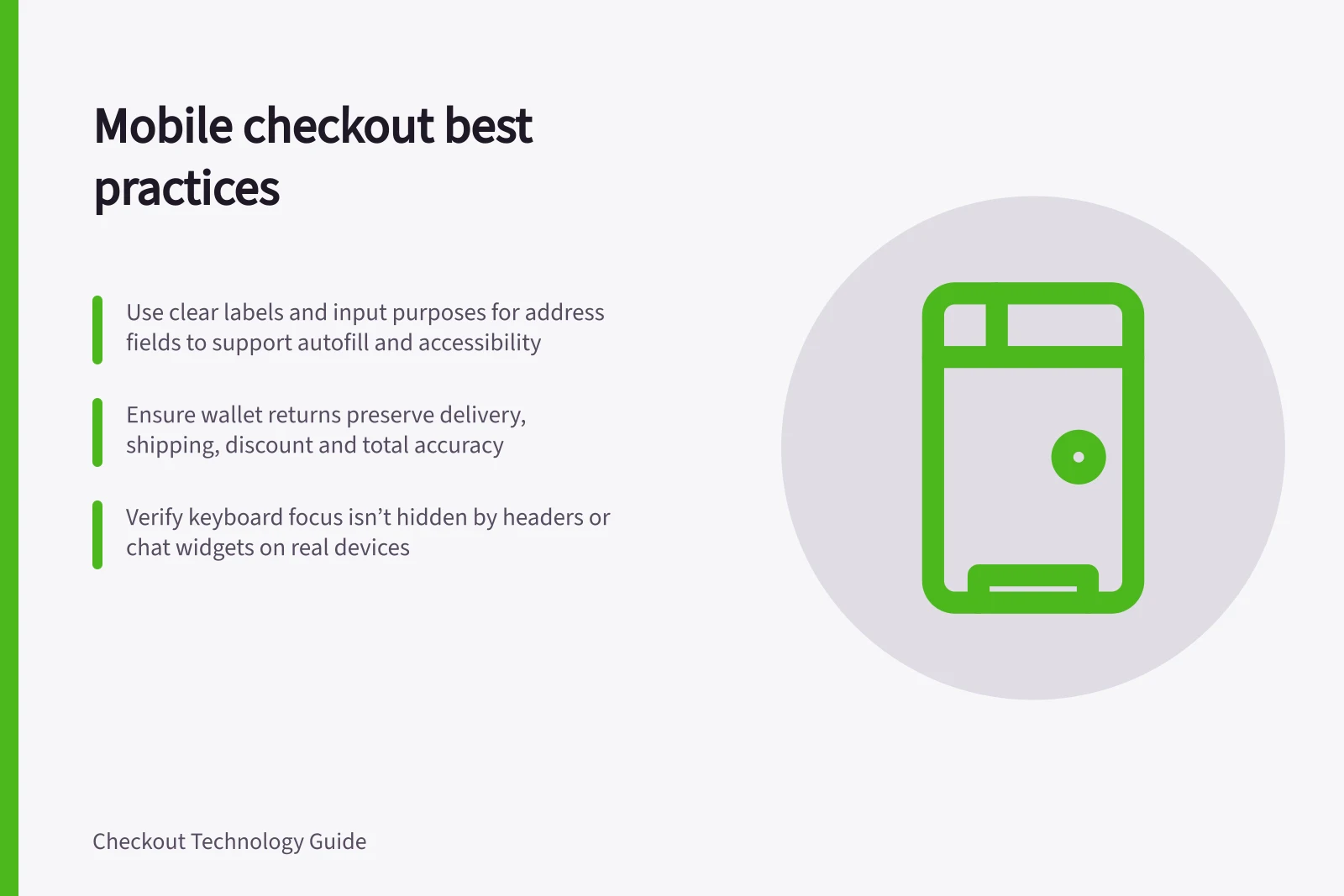
Use clear labels and appropriate input purposes for name, address and contact fields. W3C's accessibility guidance explains that programmatically identifiable input purpose can help compatible autofill and assistive technology. Let buyers review and correct autofilled details; a fast wrong address is not a good checkout.
Avoid splitting an address into fields that do not fit the destination country's conventions.
Test the keyboard states. When a field receives focus, can the person see the label, current value, error message and next action? Fixed headers and chat widgets can hide important controls.
W3C's focus-not-obscured criterion addresses keyboard focus hidden by author-created content; a mobile on-screen keyboard needs practical device testing as well.
Verify wallet paths on supported devices
Wallet availability can depend on the checkout setup. Provide an alternative payment path, and ensure delivery address, shipping choice, discount and total remain correct after a customer returns to checkout from a wallet.
Choose the payment experience to match the checkout
“Mobile payment” covers more than a digital wallet button: it can mean payment through an app on a phone, either in person or at a distance. Decide which payment journeys matter to your customers before judging a mobile checkout by the number of buttons it offers.
For Australian businesses considering familiar options, GoCardless identifies Apple Pay, Google Pay and PayPal among mobile payment apps used for online payments.
Its overview describes Apple Pay and Google Pay as digital wallets that can store encrypted card details for online or in-person purchases, and includes payment apps linked directly to bank accounts. It also distinguishes these from services such as Square, which facilitate tap-and-go transactions in person.
The useful comparison is whether a method fits the buying context, rather than whether it is available on a phone.
Decide whether checkout belongs in an app
A dedicated app is one possible way to make a mobile purchase feel more convenient, but it is not the same decision as adding a wallet to an existing checkout. Consider whether the intended task is simply completing an online order or using a phone throughout an in-store shopping trip; the latter changes the role of checkout in the customer journey.
A 7-Eleven Australia trial reported in January 2019 let customers scan product barcodes into an app basket or choose items from favourites. Its stated aim was to reduce time spent in busy stores and let customers avoid queuing to pay. This example illustrates a different mobile-checkout model from a phone-sized version of a conventional online checkout.
The trial ran in one Melbourne CBD store and was intended to test customer acceptance and store usability. 7-Eleven described it as being at a very early stage, with transaction volume not significant.
Key Mobile Checkout Metrics from Australian Retail Trials
- Trial Location
- Melbourne CBD store
- Trial Year
- 2019
- Primary Goal
- Reduce in-store queuing and shopping time
- Status of Trial
- Early stage; transaction volume not significant
Finish with an accessible recovery path
A recovery path is part of the checkout decision: prioritise designs that explain errors, retain completed information where safe and let customers resume after an interruption. Abandonment data can help identify whether recovery is a priority, while the experience of customers explains what may need attention.
Include consumer obligations in the decision
The Australian Consumer Law covers fair trading and consumer protection, including truthful advertising and pricing; an Australian legal guide specifically flags checkout pricing, subscription renewals, returns processes and a compliant Privacy Policy for online stores.
If an offer or subscription is involved, review whether the price and renewal terms are clear in the mobile experience, and ensure the returns information and privacy policy remain accessible. The ACCC describes consumer guarantees as basic rights businesses must meet when selling products or services.
In this guide
- Choosing mobile-friendly address inputsAddress inputs should help a buyer enter a deliverable address with minimal correction.
- Testing wallet payments on supported devicesTest a wallet in the device and browser combinations where customers can actually use it.
- Preventing keyboards from hiding important checkout fieldsOn a phone, the keyboard can cover the active field, error or payment action.
- Checking checkout usability with assistive technologyCheckout should be usable by people who navigate with a keyboard, screen reader, zoom or other assistive technology.