Checkout Usability
Part of Mobile checkout
Choosing mobile-friendly address inputs
Address inputs should help a buyer enter a deliverable address with minimal correction.
Choose a whole-address field or clearly labelled separate fields to suit the destinations you deliver to. Match each field’s purpose to browser autofill, and make it easy for buyers to correct a suggested address.
Let the address fit the person
Show persistent labels for name, street, suburb, state or territory, postcode and country as relevant. Do not use one example address as a rigid validation rule for every destination.
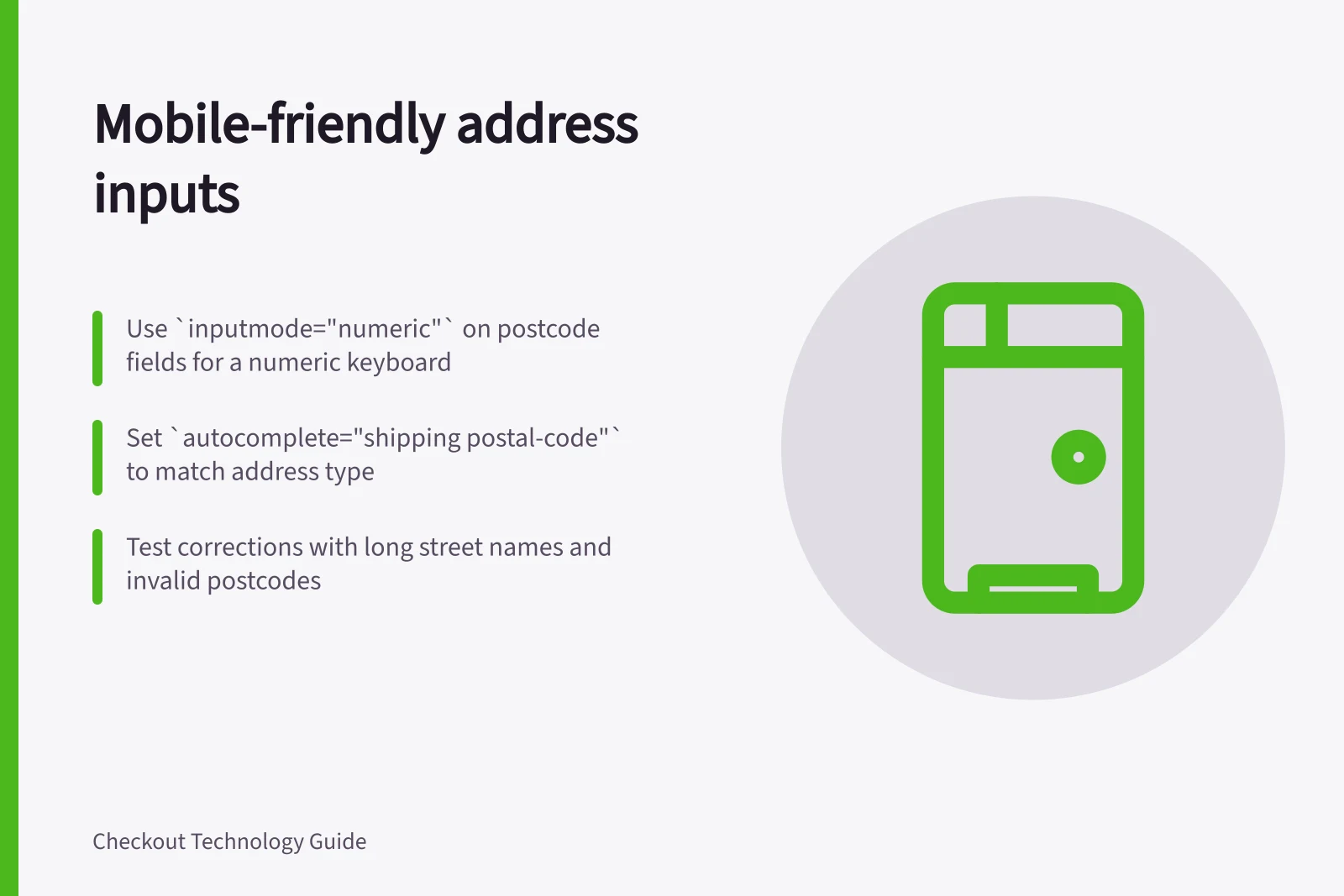
Use a <textarea> with autocomplete="street-address" for a whole address, or type="text" inputs for separate street, suburb, state or territory and postcode fields. Set inputmode="numeric" on the postcode field to request a numeric virtual keyboard; this is a keyboard hint, not a validation rule.
Use the autocomplete values name, street-address, postal-code and country where they match the field’s purpose. For a postcode field, identify the address type with a prefix such as autocomplete="shipping postal-code" or autocomplete="billing postal-code".
If you offer an autocomplete suggestion, let the buyer edit it and show the full resulting address before payment. Ask for apartment details or delivery instructions when they matter, and hide Address line 2 behind a button if you offer that separate field.
W3C WCAG 2.2 Success Criterion 1.3.5, Identify Input Purpose (Level AA), says the purpose of qualifying fields collecting personal information must be programmatically determinable when the technology supports it. Autocomplete identifies purpose more precisely than a broad input type, but it does not replace meaningful labels or accurate validation.
Test correction on a phone
Try a long street name, a unit number, an address without an obvious suburb match and an invalid postcode. Check that an error appears near the affected field and that the buyer can move to the next field without losing entered text.
Compare the final shipping summary with the entered address; a shortened form that silently changes a unit number can cause a costly delivery problem. Measure correction rates, support contacts and time to complete.
Key metrics to monitor for mobile address forms
- Support contact volume related to address errors
- Monitor for spikes post-launch
- Delivery issues due to address mismatches
- Track via ATO or courier logs