Provider Changes
Part of Changing a checkout or payment provider
Testing refunds after a provider change
Check old and new provider refund routes, partial returns, later outcomes and staff ownership after a payment migration.
Check refund paths for payments made on both sides of cutover. An older sale must remain traceable to its original provider, while a new sale needs its own working refund route.
Starting a refund is only the first check. Staff must follow its later outcome and resolve a failure.
Show staff the original payment
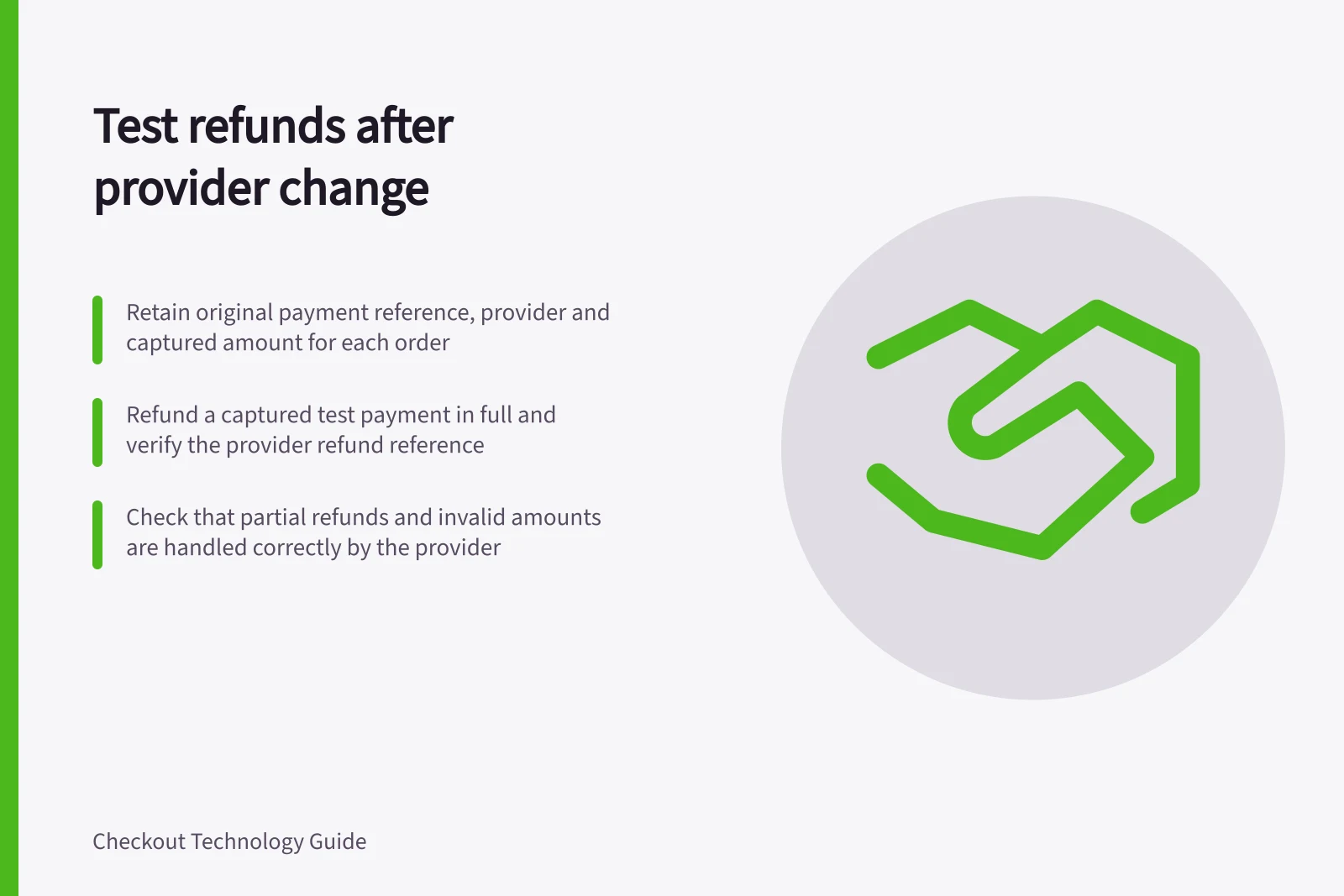
For each order, retain the payment provider and account, original payment reference, captured amount and currency, refund references, and amount still refundable where available. Do not infer the provider from the order date alone; an order near cutover may have used either route.
Before leaving the old provider, confirm how long its account, refund tools and support remain available. If its ordinary refund route will end, obtain an account-specific alternative.
Do not assume the new provider can refund a payment it did not process.
Check each route safely
Use each provider's permitted test process and supported payment methods. If an old test payment cannot be created or accessed, record that limit and confirm the remaining operational route with the old provider before account closure.
- Refund a captured test payment in full and find the provider refund reference.
- Refund part of a captured payment where the method supports it, then check the remaining refundable amount.
- Submit an invalid amount in a safe test setup and confirm it is not recorded as a completed return.
- Exercise a delayed or failed refund outcome where the provider supplies a test case.
- Match the refund to the store order and its later provider financial entry.
For each case, record what staff and customers should see while a refund is requested, pending, succeeded or failed. A provider accepting a request does not establish that the customer has received the money.
Adyen's documented online refund uses the original payment's PSP reference and merchant account. Partial refunds depend on the payment method, and Adyen lists REFUND_FAILED and REFUNDED_REVERSED webhook events.
Stripe's Refund object includes pending and failed states. Its test cards can simulate disputes, including refunds.
Adyen vs Stripe: Refund Handling Differences
- Refund Reference Source
- Adyen uses original PSP reference and merchant account
- Partial Refund Support
- Depends on payment method; Adyen lists specific webhook events
- Test Environment Support
- Stripe test cards simulate disputes, including refunds
- Refund Status States
- Stripe includes pending and failed states; Adyen has REFUND_FAILED and REFUNDED_REVERSED webhooks
Resolve exceptions
Give each unresolved refund an owner. If a payment has not been captured, check the provider's cancellation or reversal route instead of assuming an ordinary refund is available.
If a refund fails, inspect the provider reason and original payment before another action. Preserve the original and refund references in the order timeline, and keep older refunds in the old provider's records even after new sales move elsewhere.
A useful acceptance record names the provider, environment, method, original payment, refund reference, observed status and any path still requiring live-account confirmation.
Key Refund Validation Metrics
- Invalid Amount Rejection
- Must be rejected without recording as completed
- Refund Reference Retention
- Required for audit and reconciliation
- Exception Ownership
- Each unresolved refund must have an assigned owner