Reconciliation
Part of Changing a checkout or payment provider
Exporting payment and transaction records before migration
Identify, export and check the payment, refund and payout records needed after changing providers.
Before changing account access, export the outgoing provider's payment and financial records. Keep the identifiers, events and field definitions needed to find an old order and explain later adjustments. A list of successful sales alone will not account for a pending refund, fee or payout difference.
Build the export inventory
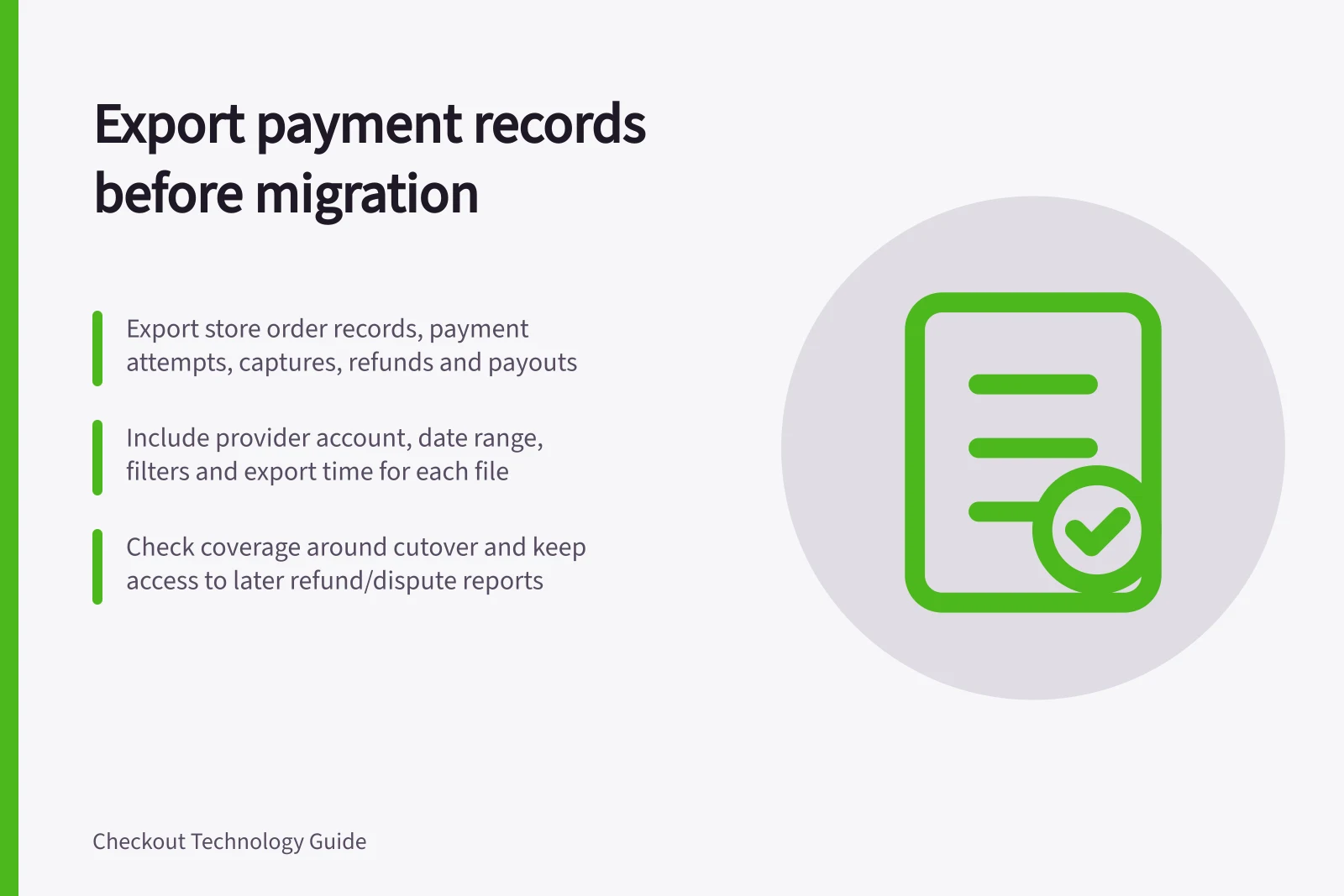
Start with the store's order records. Identify the outgoing provider's payment attempts, captures, refunds, disputes, balance entries and payout records relevant to those orders. Record the provider account, date range, filters and export time for each file. Where the provider separates payment activity from financial entries, obtain both views.
| Record | Fields to request where available |
|---|---|
| Payment attempt | Store order ID, provider payment ID, method, amount, currency, status and event time |
| Later payment event | Original payment ID, capture or refund ID, event type, amount, status and time |
| Financial entry | Entry type, gross, fee and net amounts, currency and posting date |
| Payout | Payout or batch ID, amount, currency, date and bank-facing reference |
These are fields to request, not a promise that every product exports them. Keep the provider's field definitions beside the files. Payment, accounting-entry and bank-deposit dates can refer to different events.
Critical record types and their purpose
- Payment attempts
- Track initial transaction status and method used
- Later payment events
- Capture captures, refunds, reversals post-initial payment
- Financial entries
- Show gross, fee, and net amounts with posting dates
- Payout records
- Link settlement amounts to bank deposits via payout IDs
Check coverage and continuing access
Confirm which accounts, methods and dates each export covers. Include records around cutover, and arrange access to later reports for refunds, disputes and payouts tied to older sales. A pre-cutover file cannot contain an adjustment that has not happened yet.
Adyen's Payment accounting report includes payment lifecycle states. Its Settlement details report covers settled activity and payout-related entries. Downloading the latter requires an appropriate report role for each included merchant account.
Stripe's itemised Payout reconciliation report applies to eligible automatic payouts. Stripe directs ordinary manual-payout users to its Balance report and says instant payouts require reconciliation against transaction history. Choose files for the outgoing account's actual payout setup.
Check that the files can be used
Open sample rows and locate their store orders, provider payments and later events. Check currency units, time zone and status meanings.
Compare counts and totals with the source reports under the same filters. Investigate gaps rather than matching records by amount and date alone. Record who performed the export and where the definitions are stored.
Store the files securely with access for staff who need them. Australian Government business guidance says businesses must keep records of transactions that relate to their tax, super and registrations, including income and sales records and bank records, and store them in a way that prevents change or damage. The guidance also covers how long to keep records, so check the applicable rule for the business's records.
Some records require longer retention. Check the rule applicable to the business's records and keep the files readable for that period.
This export is a transaction and financial-record archive. A transfer of saved card or token data, if needed, requires a separate provider-coordinated process.