Reconciliation
Part of Payment gateways and processors
Checking payment settlement reporting during vendor selection
Ask payment vendors to demonstrate transaction, fee and payout records, including report access and limits that affect reconciliation.
Ask a payment vendor to show how a transaction appears in its financial records, which payout includes it where that link is available, and how to identify the payout on a bank statement.
Check references, statuses, amounts, currencies and fees before signing. A dashboard total alone cannot explain which order or adjustment caused a difference.
Request records from each stage
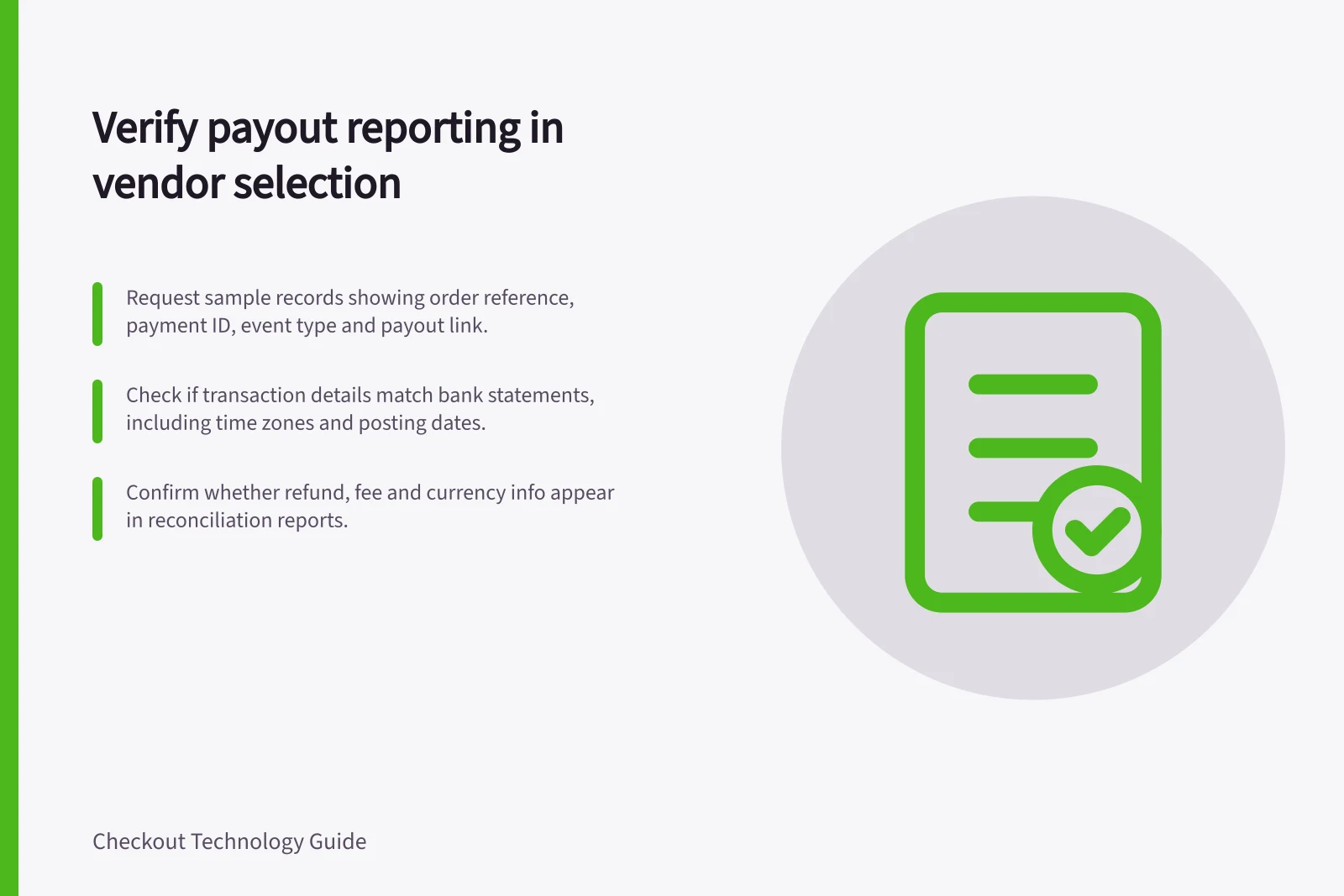
Give each candidate the same proposed scenario: a sale, a refund and a fee or other adjustment. Ask for a sample or permitted test export showing the merchant order reference, provider payment ID, event type, gross and net amounts, currency, event date, and payout or batch reference where available. Request field definitions too; similar column names can mean different things across providers.
Trace the records in order:
- Find the payment using the store’s order reference and retain the provider payment ID.
- Identify later financial entries, such as a settlement credit, refund debit or fee, with their statuses and currencies.
- Find the payout or batch containing those entries if the vendor’s payout model provides that link.
- Compare the payout reference and amount with the bank-facing record, allowing for the report’s time zone and the difference between an estimated arrival date and the bank’s posting date.
If the product cannot link a transaction to a particular payout, ask for its documented balance-reconciliation route and the work that leaves with the merchant.
Compare documented reporting limits
Stripe. The Payout reconciliation report provides an itemised CSV of payments, refunds, disputes, fees and other balance transactions. It is designed for automatic payouts, subject to a documented platform exception. Stripe directs other manual-payout users to the Balance report.
For instant payouts, Stripe says it cannot identify the constituent transactions in the same way, so the merchant must reconcile against transaction history.
To find transactions included in a payout, select a date range that includes the payout’s estimated arrival date; transactions are grouped by reporting category. Confirm which route applies to the proposed account.
Adyen. The Settlement details report includes details of payments settled and paid out by Adyen, and can show the costs of each transaction. Its file name includes the batch number, date and/or a unique identifier, depending on how the report is generated.
Generating or downloading the report requires a relevant role for each included merchant account. For an external-acquirer arrangement, Adyen documents a separate External settlement detail report.
Its AcquirerPayout entry contains an acquirer settlement batch number that can be found on the bank statement for the corresponding deposit; an entry in the report does not itself confirm that the external acquirer has paid the merchant. Ask which reports cover the proposed arrangement.
Settlement Reporting Capabilities: Stripe vs Adyen
- Report Type
- Payout Reconciliation Report (Stripe), Settlement Details Report (Adyen)
- Transaction-Level Detail
- Yes – includes payments, refunds, disputes, fees
- Manual Payout Support
- Yes – use Balance report for manual payouts
- Instant Payouts – Reconciliation
- No – cannot identify constituent transactions; reconcile against transaction history
- Batch Reference in Report
- Yes – file name includes batch number, date, or unique ID
- External Acquirer Support
- Yes – External Settlement Detail Report available
- Acquirer Settlement Batch Number
- Yes – included in `AcquirerPayout` entry for bank statement matching
- Role-Based Access to Reports
- Required – specific roles needed for report generation/download
Reporting Limit Summary: Stripe & Adyen
- Stripe – Manual Payouts
- Use Balance report
- Stripe – Instant Payouts
- No itemised reconciliation
- Adyen – Internal Settlement
- Settlement Details Report with batch ID
- Adyen – External Acquirer
- External Settlement Detail Report
Record a usable answer
Ask whether the integration consistently sends the merchant reference, whether captures, refunds, disputes and fees can be identified, and whether both transaction and payout currencies appear when they differ. Check which staff roles can retrieve a past report and whether its payout reference appears in a bank-facing record.
Record each answer as shown, documented but not shown, unavailable or needs live-account confirmation. Keep any permitted sample files and field definitions with the vendor decision. This check establishes whether the records needed for reconciliation exist under the proposed arrangement; carrying out reconciliation is a separate operating task.