Reconciliation
Part of Payment reconciliation
Investigating orders marked paid without a matching settlement
Trace a paid order through its payment method, capture status, provider balance, payout and bank deposit before classifying the difference.
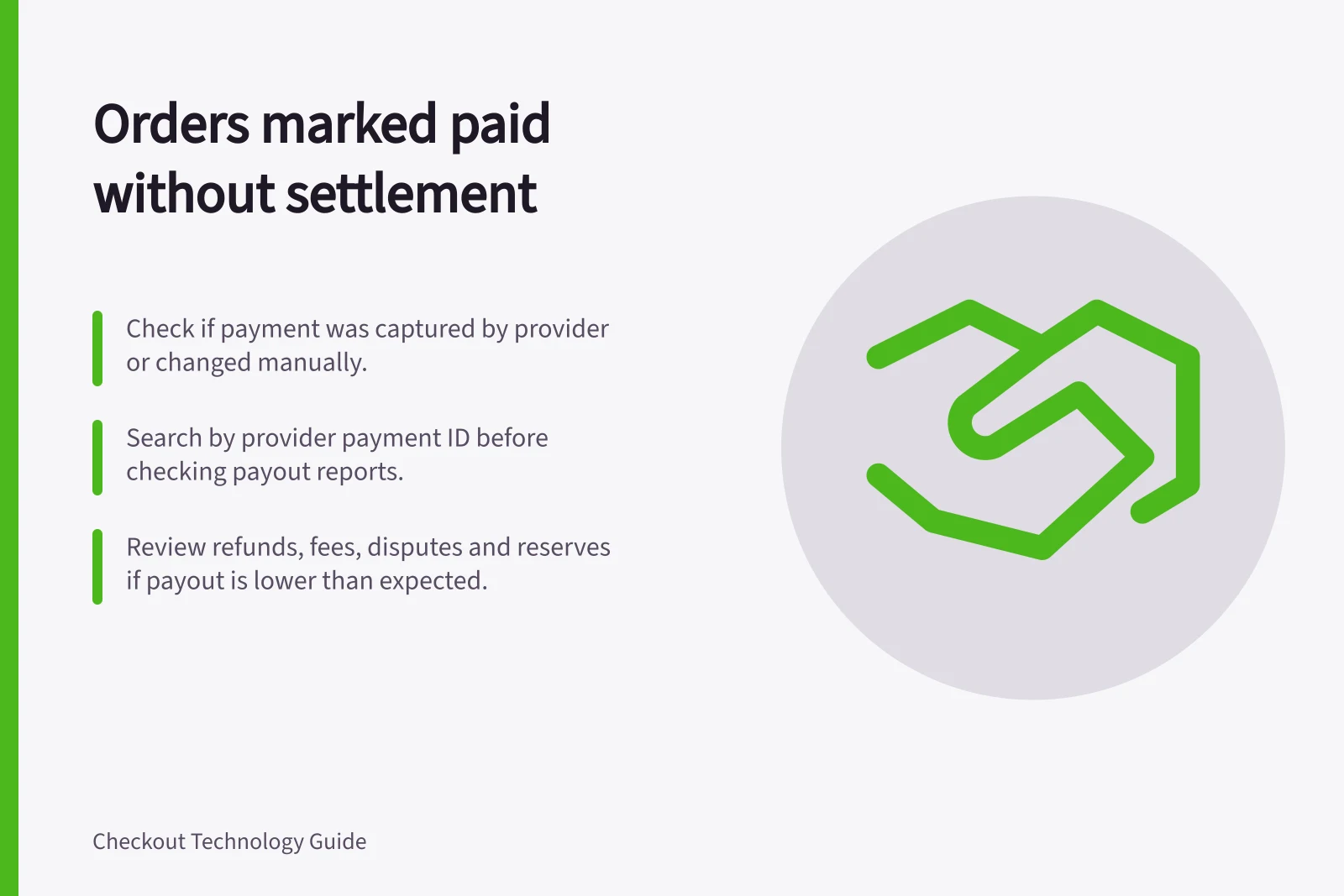
Start with the event that marked the order paid. Was the payment captured by the provider, or was the status changed manually? Search the appropriate provider or payment method before looking for a payout. A paid order can be absent from one settlement report without funds being lost, but establish the reason.
Verify the order’s payment path
Check the order timeline, payment method, provider account and payment reference. A manual paid action, imported payment or bank transfer may have no entry in a card processor’s settlement report. For example, Shopify’s mark-paid action does not itself capture a payment.
For a provider-processed payment, search by provider payment ID first, then by the merchant order reference. Review all attempts and later events linked to the order. An authorisation or capture request is not the same as a settled entry. If there is no reliable provider reference, keep the item open while checking the order’s status history and integration records.
Locate the difference
Finding / Next check
- Payment is pending or captured but not yet in a payout
- Check its available date, report cut-off and any hold.
- Authorisation exists without a completed capture
- Check capture settings, expiry and any failure.
- Payment is under another account, method, payout or currency
- Search that account or batch and reconcile in its currency.
- Payment settled but the payout is lower than expected
- Inspect refunds, fees, disputes, reserves and adjustments.
- No matching provider payment
- Review failed attempts, manual status changes and integration records.
Provider reports use different stages. Shopify Payments can show a pending transaction with an estimated payout date. Stripe’s Payout reconciliation report includes an Ending balance reconciliation section showing transactions that hadn’t been settled as of the report’s end date.
Adyen distinguishes authorisation and capture-related states from settlement entries. Use the report and date range that match the merchant’s setup.
Provider-specific settlement status differences
- Shopify PaymentsShows pending transactions with estimated payout dates. May include unsettled entries in reports.
- StripeReconciliation reports show 'Ending balance' for unprocessed transactions as of report end date.
- AdyenDistinguishes authorisation/capture states from actual settlement entries. Use report date range aligned with merchant setup.
Common reasons for paid orders without matching settlements
- Pending or captured but not yet in payout
- Check available date, report cut-off, or hold period
- Authorisation without capture
- Review capture settings, expiry, or failure reason
- Payment under different account/method
- Reconcile in correct currency and batch
- Settled but lower payout amount
- Inspect refunds, fees, disputes, reserves, adjustments
- No matching provider payment found
- Review failed attempts, manual changes, integration records
Escalate with the right references
Set the next review date from the provider’s actual status and payout schedule. If capture failed or expired, have the payments owner assess the order and fulfilment status before another charge or status change. If the provider sent a payout but the bank has no deposit, compare its payout ID, available bank reference, currency and destination account, then contact the provider or bank as appropriate.
Record the outcome as a timing difference, another account or method, an amount adjustment, a status error or an unresolved item. Retain the original order history and provider records. Absence from one payout alone is not a reason to change an order to unpaid.