Reconciliation
Part of Payment reconciliation
Handling partial captures and partial refunds
Keep authorisations, successful captures and later refunds distinct so order changes and returns reconcile to the right payment events.
Reconcile what was actually captured and each later refund, not the original order total. A partial capture collects less than the authorised amount. A partial refund returns part of a completed charge. Both can leave the customer paying less than the initial order value, but they create different payment histories.
Keep the amounts and events separate
For each order, retain the authorised amount, successful captures, successful refunds and net amount charged after refunds. Link each event to its provider reference, status and store reason, such as an item removed before shipment or a return. Keep separate rows when one order has several shipments or refunds.
For example, suppose an A$120 order is authorised and A$80 is captured, with the remaining authorisation released. The merchant captured A$80 and did not issue a separate A$40 customer refund. If A$120 was captured and A$40 was later refunded, the merchant also has A$80 net charged, but the record contains a full capture and a later refund. Do not merge those histories.
Check capture limits before expecting another capture
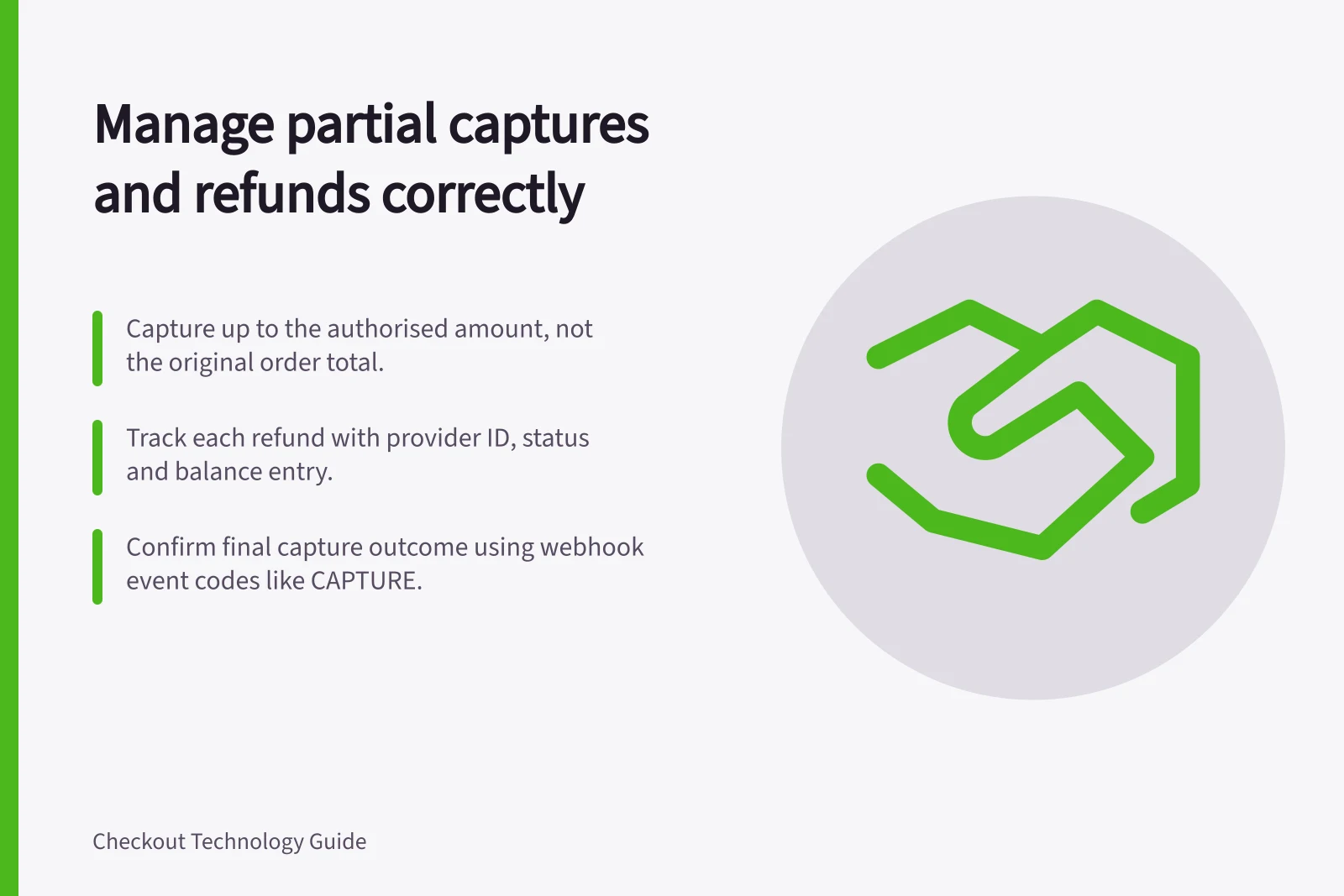
Stripe’s PaymentIntent capture endpoint lets you specify an amount to capture up to the original amount; if you omit it, the endpoint defaults to the full amount capturable. The endpoint also lists final_capture as a parameter, but check the applicable capture settings before expecting another capture.
Adyen’s online payments documentation says a single partial capture cancels the remainder, while multiple partial captures require enablement and a supported payment method. Shopify’s capture settings distinguish automatic from manual capture; capturing per fulfilment is available on the Shopify Plus plan.
Confirm each capture’s final outcome. Adyen lists CAPTURE and CAPTURE_FAILED as webhook event codes. Check the relevant event records; a prior authorisation or capture request alone does not prove the amount settled.
Follow refunds through to their outcome
Record each refund request, provider refund ID, amount, status and eventual balance entry. Stripe permits repeated partial refunds only up to the remaining unrefunded charge amount; check the rules of the provider and payment method actually used. Follow up on pending or failed refunds instead of treating a submitted request as a completed return.
Read balance-entry labels in context. Stripe recommends balance transactions as a starting point for reporting account balance activity. Use the source to retrieve related payment activity, and use reporting_category rather than type for accounting classification.
Compare capture and refund events with the adjusted order value. Account separately for fees, conversion and payout timing. A refund may affect a later payout than the original sale.