Checkout Usability
Checkout performance
Assess checkout speed across page loading, interactions, payment requests and order outcomes, then prioritise fixes and release checks.
Assess checkout performance across the whole purchase: when essential order details become usable, how quickly choices update, whether payment responds, and whether the store records the right outcome. A fast first screen matters little if the pay button stalls or an order stays unexplained.
Define the journeys and expected states
Choose the purchase paths the store offers. A delivered order may need a delivery quote and a revised total; a payment method may send the buyer to another page or app. For each step, record the expected customer message and order state.
| Moment | Question | Evidence to inspect |
|---|---|---|
| Checkout opens | Can the buyer use the essential order details? | Page loading and interaction measurements. |
| A choice changes | Does the payable total update correctly and promptly? | Request timing, errors and the resulting screen. |
| Payment is submitted | Does the buyer get a clear response without an accidental second submission? | Payment request, provider reference and order timeline. |
| The buyer returns | Does the message reflect the known payment state? | Provider outcome and store order state. |
Set browser-experience baselines
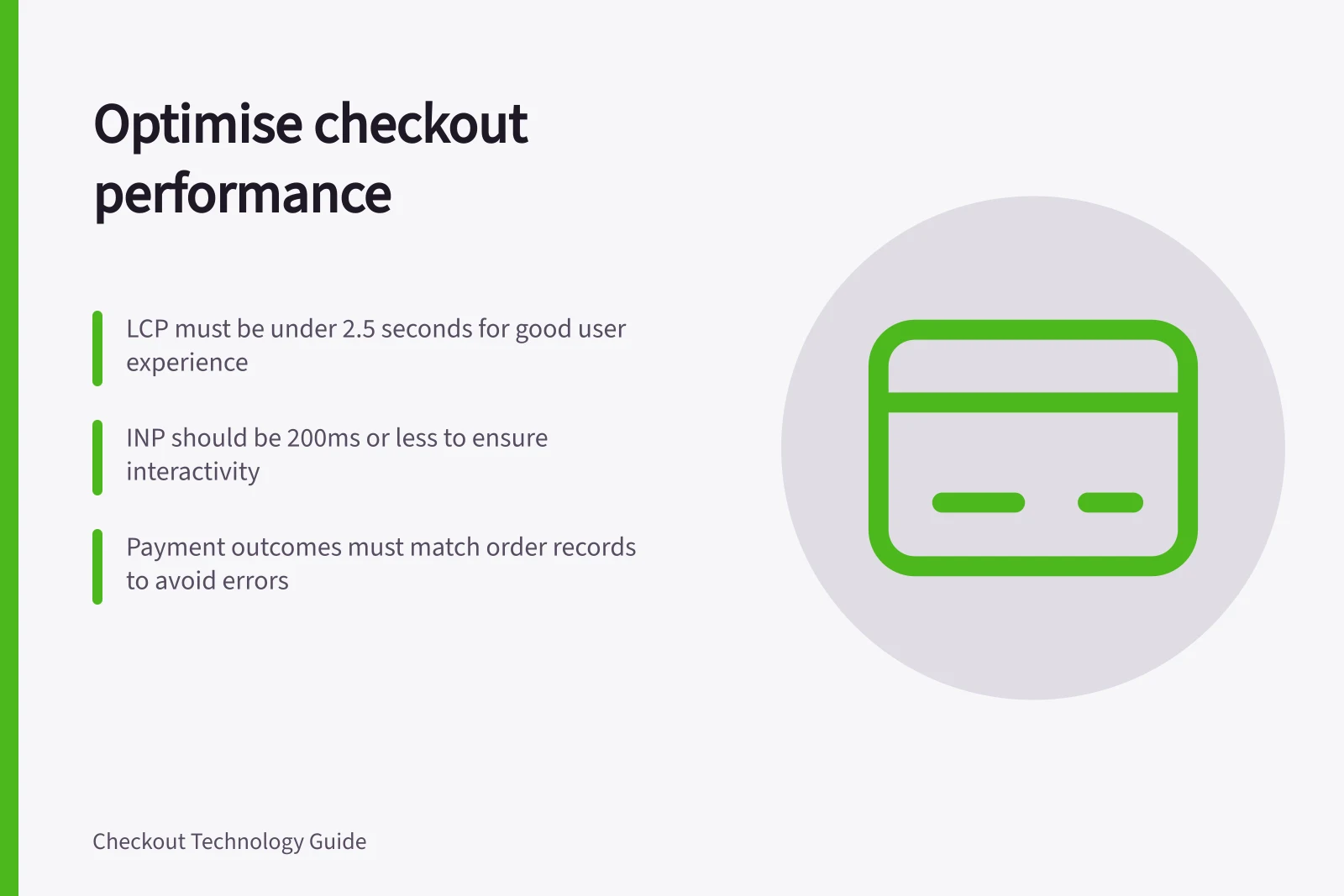
Use Core Web Vitals as a browser-experience baseline, not as a complete checkout score. Largest Contentful Paint (LCP) measures loading, Interaction to Next Paint (INP) measures interactivity, and Cumulative Layout Shift (CLS) measures visual stability.
Google’s recommended good-experience thresholds are LCP within 2.5 seconds, INP of 200 milliseconds or less, and CLS of 0.1 or less.
Assess these at the 75th percentile of page loads, segmented between mobile and desktop, so the result reflects the experience of most users rather than only the fastest visits.
Core Web Vitals Good-Experience Thresholds (Australia)
Locate the delay
Separate browser work from store and payment-service requests. Downloading and running scripts can delay an action even after content appears. A slow delivery lookup or payment response calls for a different fix. Use a browser trace and request log on the affected journey, then compare the finding with available real-user data.
Record the step, device class, connection conditions, release version and outcome. Compare like journeys: a payment route involving an external action cannot be judged solely by the time until the browser returns.
Compare field and lab evidence
Real User Monitoring (RUM) captures performance experienced by actual users, while laboratory tests provide a controlled view of a particular run. Use both: field data shows whether a problem affects shoppers in practice, and a lab trace helps investigate a specific delay. A lab result alone cannot establish how the whole user population experiences checkout.
Chrome DevTools can compare a local experience with real-user data for the same page. PageSpeed Insights reports aggregate page-level and origin-level performance over the past 28 days, while Search Console reports historical performance by page and requires verified site ownership. These views help distinguish a page-specific issue from a broader pattern.
Protect the essential path
Review checkout scripts by purpose and timing. Payment components, fraud checks and code that presents the payable amount may be essential; a promotional widget may be deferrable. Confirm dependencies before changing a script, then check pricing, payment and order outcomes after the change.
Make essential order details and the payable amount available before non-essential content. When a delivery or other choice changes, keep the displayed total and order details in sync, and show a clear pending state while an update is in progress.
Run complete journeys on a slower connection and a less capable device, including a delivery change, a failed attempt and an external return where offered. Note when the buyer can act, what remains visible while a request is pending, and whether the order reaches the correct state. Prioritise fixes that block the next action, show an incorrect total, prevent payment completion or leave the order in the wrong state.
Assess third-party script impact
Third-party scripts can add network requests and occupy the browser’s main thread, delaying rendering or interaction.
Watch the release and plan recovery
After a release, inspect browser errors, failed requests, payment outcomes and order states together. Assign an owner to investigate each signal. For detailed payment-service fallback design, see the sibling article.
If a payment request is slow or fails, inspect its request and response, address the failing integration or server-side step, and show a clear pending or retry message rather than implying success. If the order record does not match the provider’s final outcome, correct the status handling so the record reflects that outcome.
Check the affected path again after a fix and review subsequent live measurements. Confirm the order record matches the provider’s final payment outcome for each affected test journey.
Distinguish payment states from order states
A payment response is evidence about the payment flow, but it may not be the final outcome. Adyen’s result-code guidance says a result code indicates the current payment status and that the status can sometimes change afterwards; it advises against using that code to update the order management system.
Some payment methods return an intermediate result code when the payment has not reached a final state, including flows where the shopper still needs to complete an action. Keep the customer message aligned with the known state, and check the provider outcome and store order record separately rather than treating an intermediate response as a completed purchase.
Authentication status is also distinct from authorisation. In Adyen’s standalone authentication flow, AuthenticationFinished means the shopper has successfully completed 3D Secure 2 authentication; the integration still needs to collect the authentication data required to authorise the payment. Before marking an order paid, verify that authorisation has completed and that the provider’s final outcome matches the store’s order record.
In this guide
- Reducing scripts that delay a checkout pageFind costly checkout scripts, decide what can move or go, and verify that payment, pricing and analytics still work.
- Testing checkout on slower mobile connectionsBuild a repeatable slower-mobile checkout test, record network and CPU conditions, and verify payment and order outcomes.
- Monitoring errors after a checkout releaseWatch browser, API, payment-event and order errors after a release, then investigate exceptions without mislabelling payment outcomes.
- Designing a fallback when a payment service is unavailablePlan truthful payment states, safe retries and an alternative route when a payment service is unavailable.