Reconciliation
Part of Payment reconciliation
Tracking payment fees by provider and method
Build a fee view from provider transaction reports, separate account-level costs, and compare payment methods using consistent counts, value and currency.
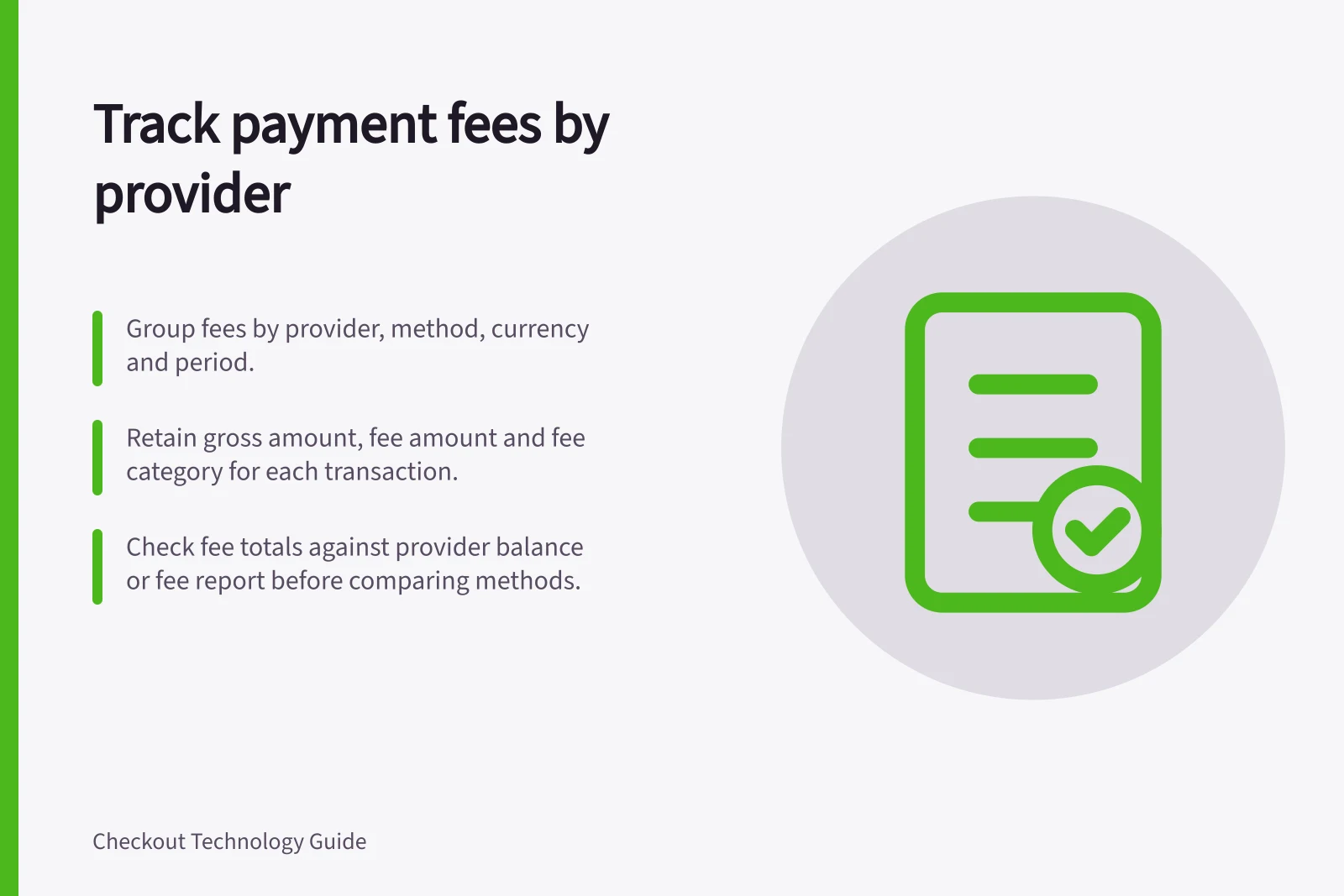
Track fees from the provider’s transaction and account reports. Group them by provider, payment method, currency and period. Keep processing costs separate from refund amounts, disputes, conversion, payout charges and store-platform fees. A net bank deposit cannot reveal the cost of each payment method.
Build a comparable fee view
For each financial event, retain the provider account, payment reference, order reference where available, reported payment method, transaction and settlement currencies, gross amount, fee amount and fee category. Check the fee total against the provider’s balance or fee report before comparing methods.
Keep two denominators visible: the number of successful captured payments and their gross captured value. Fee per captured payment and fees as a share of captured value answer different questions.
Retain refunded and disputed transactions with their related fees under a stated attribution rule. Removing them can distort the comparison.
Do not add amounts in different currencies. For a combined management view, retain the original amounts and document any conversion rate used.
Keep account-level charges that cannot be linked to a payment in an unallocated category unless an explicit internal allocation rule is applied. An allocation is an estimate, not a provider-reported method fee.
Check what each report actually provides
| Reporting route | Useful detail | Limit |
|---|---|---|
| Shopify Payments payout transactions | The CSV export shows total fees for each payout and pending transaction; the payouts view can filter transactions by payment method and credit card type. | The activity report summarises starting balance, gross activity, fees, payouts, net amount and ending balance, and excludes third-party processing. The new payouts view can include payout status, ID, amount, the receiving bank account, a transfer reference when available, and a breakdown of charges, refunds, adjustments, fees and reserves. |
| Stripe payout reconciliation | The Itemized CSV covers payments, refunds, disputes, fees and other balance transactions included in the payout, grouped by reporting category. | Available to users with automatic payouts enabled, or platforms whose Connected Accounts have automatic payouts enabled. Instant payouts need separate reconciliation. |
| Adyen settlement and payment accounting | The Settlement details report gives details of settled and paid-out payments and the cost of each transaction. | The Payment accounting report matches fees to payment statuses for invoice reconciliation and includes lifecycle status changes, events and modifications for transactions. |
Reconcile each provider account independently before combining results. If a method field or reliable join is missing, label those costs unallocated rather than assigning them by guesswork.
Interpret a change in costs
Compare the same periods and comparable transaction sets. Review payment counts, captured value, refunds and disputes alongside fee totals. A change may reflect a different method mix, order size, currency mix or account-level adjustment.
This view explains recorded costs. Checkout acceptance and customer demand require separate evidence.