Checkout Usability
Part of Checkout pricing transparency
Showing delivery costs before the final payment step
Find when to calculate delivery, show priced options and prevent an unexplained charge at the final payment step.
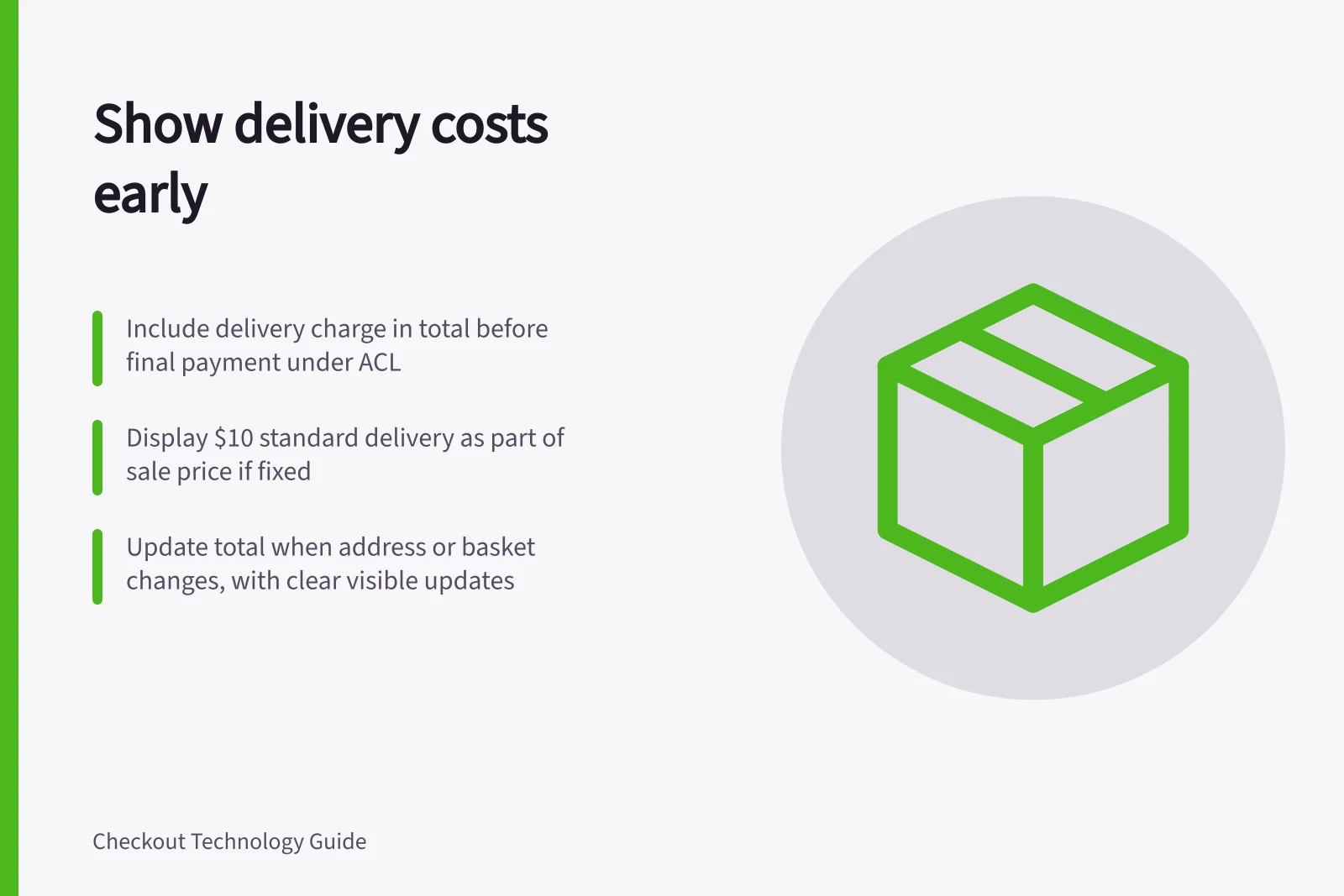
Show delivery charges as soon as checkout has enough information to calculate them, and include the selected option in the total before the final payment step. Under the Australian Consumer Law (ACL), a price that represents only part of the cost must also show the single total price just as prominently. Optional delivery may be separate, but show its charge clearly before the final purchase process.
Key facts about delivery pricing under Australian Consumer Law
- ACL requirementSingle total price must be shown just as prominently as part of the cost
- ACCC enforcement powerCan investigate and take compliance or enforcement action for breaches
Separate the product price from the delivery choice
When delivery is optional, show the product price separately and make clear if it excludes delivery. Include a known minimum delivery charge that must be paid in the single total. The ACCC can investigate price-display breaches and may take compliance or enforcement action.
A standard $10 delivery charge anywhere must be included in the sale price. If delivery charges vary by weight or distance, they need not be included in that sale price, but show them clearly before the final purchase process.
In the cart, “Items subtotal” and “Delivery calculated after postcode” are clearer than “Total” when delivery is still to be calculated. Show a free delivery option only when the basket and destination meet its conditions, and state those conditions near the offer.
Calculate when the required details arrive
Ask for the address details needed to offer relevant services. Show each available option with its price, identify the selected option and update the prominent amount payable. Recalculate when the address, basket or service changes.
A postcode may give only an estimate if the full address or parcel details can change the rate. For example, label the amount “Delivery estimate (postcode only)” while it is uncertain; once the full address and parcel details make the rate calculable, replace it with the confirmed charge and update the total before the final payment action.
If rates cannot be calculated, distinguish a temporary lookup problem from an address with no eligible service. Tell the shopper which applies and give a useful next step; do not present an estimate as a confirmed charge.
Keep changes visible
A switch from standard to express delivery, a changed address or a lost free-delivery qualification should update the delivery line and total together. The final order screen can confirm the selected service and amount already shown, without introducing a new charge.
![Clear recurring charges at checkout: $[amount] due today; then $[amount] every [frequency] from [start date]; Minimum total price must be shown alongside monthly fees; Automatic renewal and cancellation terms must be clearly visible. Explaining recurring charges at checkout](/covers/explaining-recurring-charges-at-checkout-640.webp?v=4329dcd1)