Checkout Usability
Part of Checkout pricing transparency
Removing unexpected fees from the final order screen
Audit mandatory, optional and payment-related fees so the final order total confirms a price the shopper has already seen.
Inspect every line added by the final order screen: a card-payment surcharge, booking or service fee, handling fee, or payment-provider charge such as terminal rental or transaction processing. Record the exact label and what triggers it.
Classify each charge as unavoidable, pre-selected, optional or tied to a payment method, and check whether any shopper can avoid it. Show a known amount with the relevant choice and update the prominent total before the shopper commits.
The ACCC says businesses must display clear and accurate prices. It may investigate and take compliance or enforcement action if it considers a business has broken price-display law, but it does not resolve individual price disputes.
Trace each charge to its trigger
For a service, handling or booking fee, record what causes it and whether any shopper can avoid it. This identifies whether the charge is unavoidable, optional or incorrectly triggered.
Show an optional extra’s price beside the choice. If it is pre-selected and the shopper removes it, check that the total falls.
For example, if a booking fee first appears on the final screen, check what triggers it and whether the shopper can avoid it. If it is mandatory, move it into the advertised total earlier; if it is optional, show the priced choice earlier and remove it when declined.
If a discount disappears or a delivery choice changes the price, show the reason and revised amount before payment.
Audit Checklist for Final Order Screen Fees
- Identify every fee on the final screenInclude card surcharges, booking fees, handling fees, payment processing charges
- Classify each charge as unavoidable, pre-selected, optional, or tied to a payment methodEnsure shoppers can avoid optional charges
- Show priced choices before checkout commitmentDisplay optional extras with price beside the choice
- Update total immediately when changes occurIf discount is lost or delivery option changes, show updated amount and reason
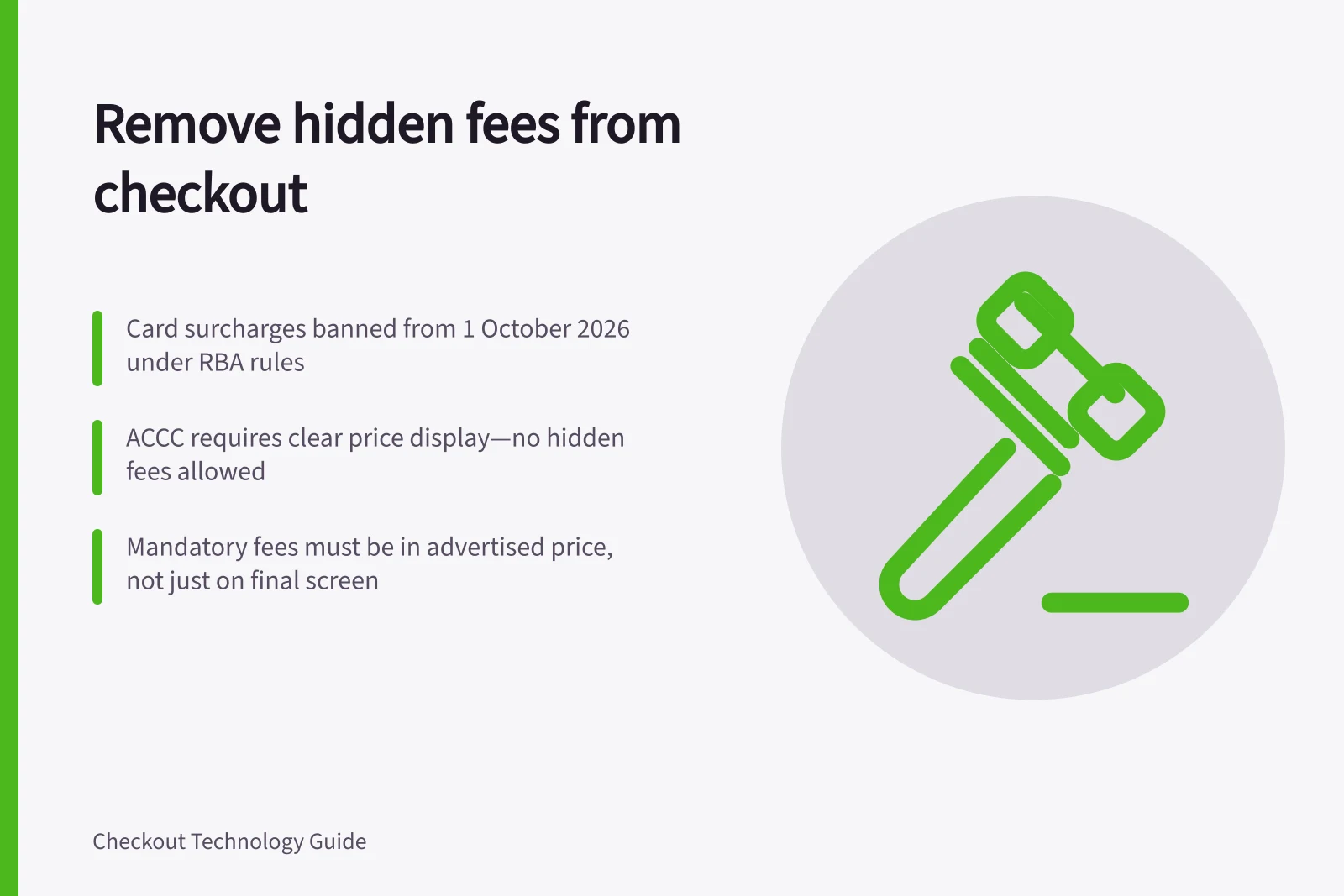
- Move mandatory fees into advertised price earlyAvoid surprises on final screen; align with ACCC pricing transparency rules
Fix the cause of a surprise
Remove an unnecessary charge. Move a legitimate mandatory fee into the advertised total, or fix a calculation that triggers a fee incorrectly. Hiding a line on the last screen while still collecting its amount does not resolve the price problem.
The RBA’s FAQ, “Removal of Card Payment Surcharges From 1 October 2026”, says its changes apply only to surcharges added because a customer pays by card. A card surcharge is an extra fee for using a particular card to pay for a transaction.
Before 1 October 2026, the RBA’s table lists surcharging as permitted for eftpos debit and prepaid cards; Mastercard and Visa credit, debit and prepaid cards; American Express credit cards; PayPal; and UnionPay. From 1 October 2026, it lists surcharging as not permitted for these payments.
The RBA’s formal changes concern designated networks eftpos, Mastercard and Visa. Each decided to introduce no-surcharge rules from 1 October 2026; American Express, PayPal and UnionPay also decided to remove surcharging, but are not currently subject to formal RBA regulation.
The changes do not apply to weekend or public-holiday surcharges, booking fees or service fees. Fees for payment-provider services such as terminal rental, transaction processing or other payment-related offerings are not card surcharges, so the changes do not apply to them.
The RBA does not directly regulate merchants, and the ACCC does not enforce no-surcharge rules. Merchants typically deal with their acquirer or payment service provider; check with the relevant provider or card network for its rules and terms.
At final review, compare the amount payable with the latest total the shopper saw. Any increase should have a visible, accurate cause before the payment action.
Key Dates for Card Surcharges in Australia
- Before 1 October 2026Surcharges permitted for eftpos, Mastercard, Visa (credit, debit, prepaid), American Express (credit), PayPal, and UnionPay
- 1 October 2026Surcharges no longer permitted for eftpos, Mastercard, Visa; American Express, PayPal, and UnionPay also removed surcharges (not formally regulated by RBA)
What Applies and What Doesn’t Apply to the No-Surcharge Rule
- Applies: Card surcharges for payment methodSurcharges on Mastercard, Visa, eftpos, and other card payments are banned from 1 October 2026
- Does not apply: Weekend or public holiday feesThese remain legal and may still be charged
- Does not apply: Booking or service feesThese are separate from card surcharges and remain allowable if disclosed clearly
- Does not apply: Payment provider chargesTerminal rental, transaction processing, and other payment service fees are not considered card surcharges
![Clear recurring charges at checkout: $[amount] due today; then $[amount] every [frequency] from [start date]; Minimum total price must be shown alongside monthly fees; Automatic renewal and cancellation terms must be clearly visible. Explaining recurring charges at checkout](/covers/explaining-recurring-charges-at-checkout-640.webp?v=4329dcd1)