Checkout Usability
Part of Checkout pricing transparency
Handling taxes and currency presentation clearly
Show a tax-inclusive consumer total, name the charged currency and explain when an A$ display may still involve overseas processing.
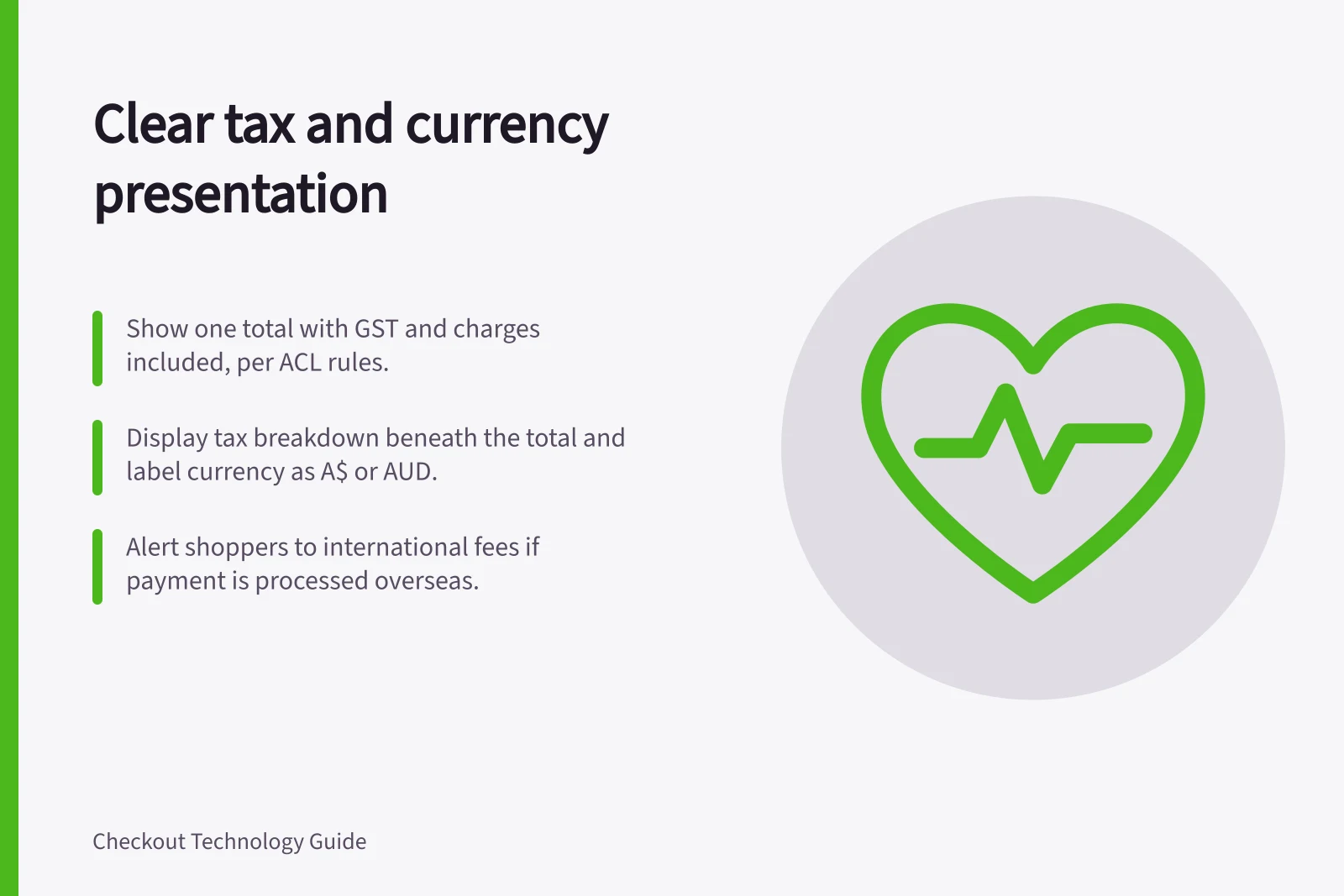
Show one amount payable, with its currency named. The Australian Consumer Law’s single-price rule requires GST and unavoidable charges to be included in that figure. Put tax detail beneath the total, and identify the charge currency before payment if a different currency is also displayed.
Key Compliance Metrics for Tax and Currency Presentation in Australia
- GST Inclusion Requirement
- Mandatory under Australian Consumer Law
- ACCC Penalty for Misleading Pricing
- $15 million (Airbnb case)
- Consumers Affected by Misleading Display
- Approx. 70,000
- Currency Code for AUD
- A$ or AUD (not just $)
Put tax detail beneath the total
Show consumers a total that includes applicable taxes and duties, then explain it with a breakdown. A concise line such as “GST included” can explain a taxable sale only when it reflects the actual basket. GST treatment may differ across items and charges, so a generic amount added to every order can misstate the price. The Australian Taxation Office (ATO) manages Australia’s tax system.
Discounts and delivery changes can change the breakdown. Check the product page, cart, payment screen and confirmation: keep the amount payable and its tax detail consistent at each step. If the basket or delivery changes, update the total and breakdown together rather than leaving shoppers to calculate the final price.
Checklist: Ensuring Clear Tax and Currency Presentation at Checkout
- Display one total amount payableIncludes GST and unavoidable charges
- Show tax breakdown beneath the totalUse “GST included” only if accurate for the basket
- Update total and breakdown togetherWhen cart or delivery changes
- Label charged currency clearlyUse A$ or AUD beside the amount
Identify the currency charged
Use “A$” or “AUD” where a dollar sign could be mistaken for another currency. On 20 December 2023, the ACCC reported that Airbnb Ireland UC admitted misleading Australian users between January 2018 and August 2021 about accommodation prices displayed with a dollar sign but charged in US dollars. About 70,000 consumers saw prices for Australian accommodation displayed this way. Label the currency beside the amount payable.
If a currency selector changes only a displayed estimate, say so and show the actual charge currency beside the payment total. Keep the estimate distinct from the amount payable; a converted estimate may differ from the amount shown by a card issuer.
An A$ display does not establish that a payment is processed in Australia. Where overseas processing makes an international transaction fee likely, alert the shopper before payment; whether a fee applies depends on the issuer and card.
Pros and Cons of Displaying Currency with a Dollar Sign
- Pro: Familiar to Australian shoppers
- The dollar sign is widely recognised in Australia
- Con: Risk of confusion with foreign currencies
- Can mislead if not paired with A$ or AUD
- Pro: Clearer when combined with currency code
- Using A$ or AUD reduces ambiguity
- Con: May still incur international fees
- A$ display doesn't guarantee local processing
![Clear recurring charges at checkout: $[amount] due today; then $[amount] every [frequency] from [start date]; Minimum total price must be shown alongside monthly fees; Automatic renewal and cancellation terms must be clearly visible. Explaining recurring charges at checkout](/covers/explaining-recurring-charges-at-checkout-640.webp?v=4329dcd1)