Gateway Selection
Checkout technology for Australian merchants
Choose checkout technology by matching buying journeys, price presentation, payment outcomes and store workflows to clear requirements.
Choose checkout technology by tracing the customer's journey from basket to payment outcome. Then check whether the store can fulfil the resulting order. Delivery choices, price changes, failed payments and staff workflows matter as much as the payment page.
Australian payment trends that affect checkout choice
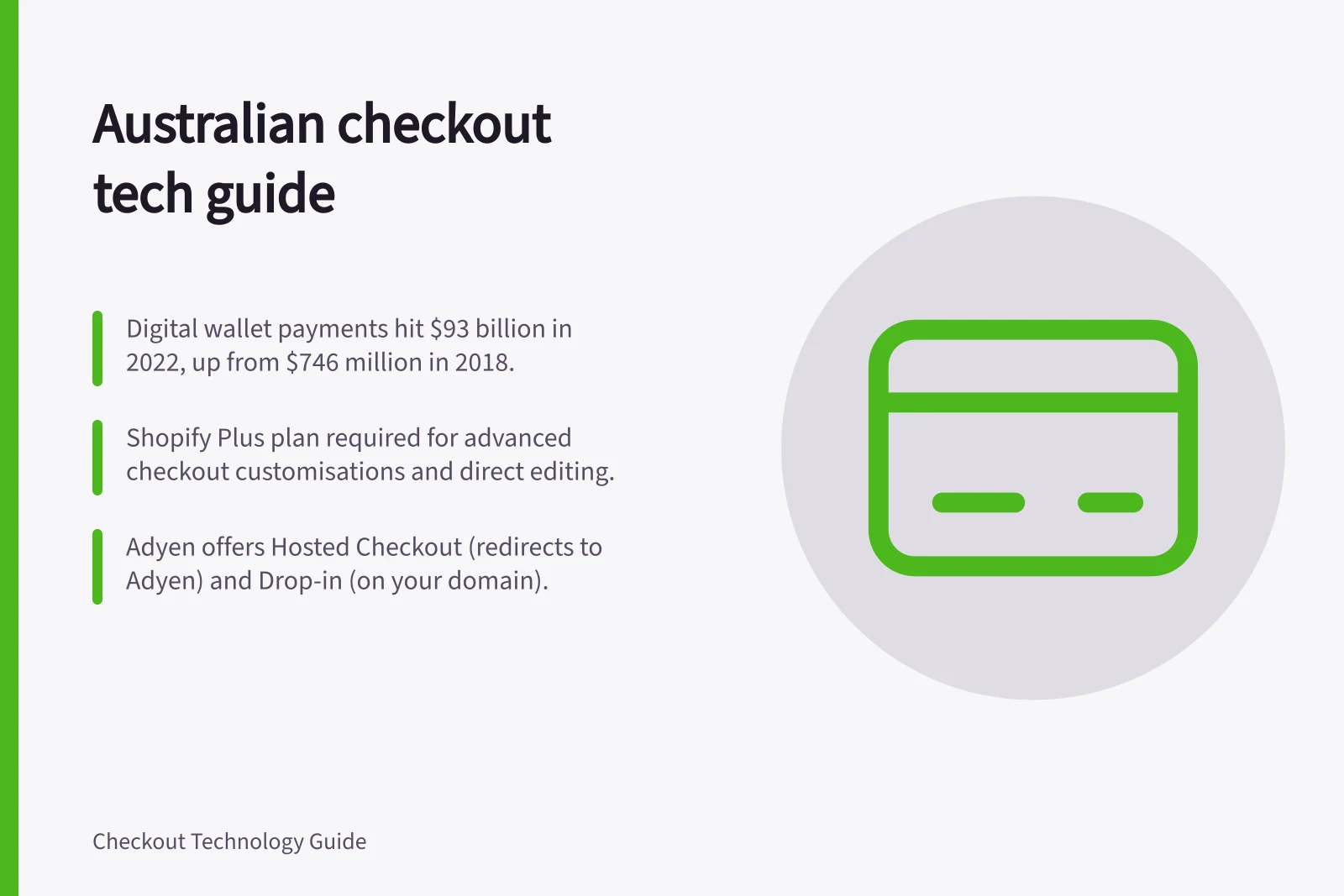
Digital wallet payments via smart devices totalled over $93 billion in 2022, up from $746 million in 2018. Physical cash fell to 13% of all consumer payments in 2022, from 70% in 2007. An Australian Banking Association study found around 40% of the population regularly leaves home without a wallet.
Digital payments can offer smoother checkout experiences, fewer cash-handling costs, improved reporting and analytics, and faster settlement. Merchants using mobile wallets or advanced EFTPOS systems such as Smartpay may find reconciliation simpler, stock management more accurate and customer satisfaction higher.
Plan for merchant transaction fees on card or wallet payments, connectivity or device interruptions, and a growing focus on cybersecurity and fraud prevention. Experts including Dr Angel Zhong of RMIT and Richard Holden of UNSW suggest a full transition could occur by the Brisbane Olympics in 2032.
Australian Payment Trends: Shift from Cash to Digital (2007–2032)
- 2018Digital wallet payments: $746 million
- 2022Digital wallet payments: $93 billion; cash down to 13%
- 2032 (Projected)Full transition to cashless economy by Brisbane Olympics
Key Metrics in Australian Checkout Technology Adoption
- Digital Wallet Spend (2022)
- $93 billion
- Cash Share of Payments (2022)
- 13%
- Average Settlement Speed
- Same-day or next-day (via EFTPOS/digital wallets)
Start with the sales you need to support
List the main ways people buy from your store. A delivered physical item may need an address, a delivery choice and a one-off payment. Collection, subscriptions, digital delivery and split shipments can create different needs. Separate common journeys from unusual cases so both receive appropriate attention.
For each journey, ask what must be known before payment. Is a postcode enough to calculate delivery, or is a full address needed? When is stock reserved? Can a discount change the delivery charge?
Which system confirms the amount to be paid? The answers define what checkout must receive from the basket and return to the order system.
The ACCC says it educates businesses about their rights and responsibilities under consumer law. The ACCC does not give legal advice about price displays.
Choose a payment interface
A hosted checkout redirects the buyer to a provider-hosted payment page. An embedded checkout displays a provider's form or components within the merchant page. A custom payment form involves different implementation and card-data responsibilities. The useful question is which arrangement supports the buyer's journey and the team maintaining it.
For either hosted or embedded checkout, check which fields and amounts can change after a payment session starts, whether a selected method sends the buyer elsewhere, and how the journey resumes after cancellation. Confirm any page customisation against the store's actual platform, plan and apps. For example, Shopify documents checkout customisation limits that vary by plan, app type and geography; those limits do not describe every platform.
Adyen offers two pre-built solutions: Hosted Checkout redirects the shopper to an Adyen-hosted page, while Drop-in renders a pre-built payment UI on your webpage. Both have low coding effort, but Hosted Checkout sends the shopper to Adyen's domain and uses Adyen's Apple Pay certificate; Drop-in keeps the shopper on your domain and uses your own Apple Pay certificate. Both require you to build your own payment server and webhook server.
Hosted vs Embedded Checkout: Key Differences for Australian Merchants
- Redirect Experience
- Hosted: Buyer redirected to Adyen domain; Embedded: Stays on merchant site
- Apple Pay Certificate
- Hosted: Uses Adyen’s certificate; Embedded: Uses merchant’s own certificate
- Development Effort
- Both require payment and webhook servers, but Hosted has lower coding effort
- Brand Consistency
- Embedded maintains brand continuity; Hosted may disrupt user flow
Check your platform's checkout customisation limits
Shopify requires at least the Basic plan and a compatible checkout app from the Shopify App Store before customising payment methods and delivery options. Advanced customisations, including direct editing through Shopify Extensions, are available only on the Shopify Plus plan.
Apps that customise the information, shipping and payment pages of checkout, including checkouts from draft orders, are available only to Shopify Plus. Apps for thank you and order status pages are available to Basic Shopify plan or higher.
A payment customisation app can sort, reorder, hide and rename payment methods and set payment terms at checkout. Checkout Blocks, a free app for customising checkout with UI extensions and Shopify Functions, works on Basic with some feature restrictions and on Plus.
Define the order handoff
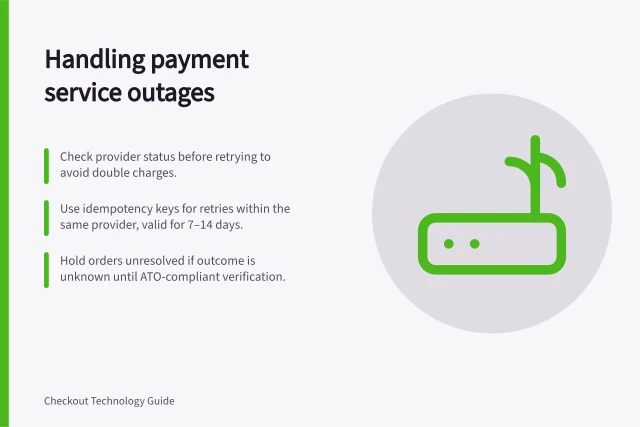
The store needs an order reference, the amount and currency to be charged, and a reliable way to receive the provider's payment outcome. A buyer reaching a return page is not, by itself, proof that payment succeeded. Depending on the method and provider, payment may remain pending after the buyer's immediate step. A retry can create more than one payment attempt for one order.
Specify what customers and staff see when payment succeeds, fails, remains pending or the session expires. Decide which outcome permits fulfilment. If the business needs separate authorisation and capture, map those steps too, subject to the chosen method and provider configuration. Reconcile payouts and bank deposits in a separate operational process.
By default, Adyen captures payments automatically and immediately after authorisation. For some payment methods, you can use manual capture: authorisation reserves funds on the shopper's bank account, and a later capture request transfers them. Manual capture lets you settle funds on fulfilment, such as when an order is shipped. Separate capture is only available for some payment methods.
Delayed automatic capture sets a time between authorisation and capture, giving you time to cancel if an item is out of stock. Single partial capture automatically cancels any unclaimed amount; multiple partial captures leave it uncancelled and can suit ecommerce or omnichannel flows. To use multiple partial captures, ask Adyen Support to enable the feature.
Order Handoff Workflow: From Authorisation to Capture
- AuthorisationFunds reserved on shopper’s bank account (immediate with Adyen default)
- Optional: Manual CaptureTransfer funds only after fulfilment (e.g., shipment)
- Partial Capture OptionsSingle partial: cancels unclaimed amount; Multiple partial: leaves uncancelled for omnichannel use
- ReconciliationMatch payouts to bank deposits separately from order fulfilment
Compare tools against the same requirements
| Decision area | Ask a candidate tool to show |
|---|---|
| Basket and price | Items, discounts, delivery and the amount charged agree. |
| Buyer journey | The customer can correct an error, leave, return and understand the result. |
| Payment outcome | The order distinguishes success, failure and a pending payment where relevant. |
| Store operations | Staff can trace a payment attempt and follow any required refund or capture. |
| Customisation | Required fields, layout and messages work on the store’s actual configuration. |
Mark each requirement essential, conditional or optional. Use the same sample basket when comparing candidates, and record what each vendor demonstrates in its permitted test environment. Before launch, check the devices and payment paths the store intends to offer, including an interruption and an order correction.
Pre-Launch Checklist for Australian Checkout Implementation
- Test basket consistency across all payment methodsEnsure items, discounts, delivery charges match expected total
- Validate buyer journey recovery after interruptionCheck ability to return after leaving checkout or cancellation
- Confirm payment outcome visibilityDistinguish success, failure, pending and expired sessions
- Verify staff access to payment logs and refundsEnsure order tracking and manual capture/refund workflows are clear
- Test on intended devices and payment pathsInclude mobile, tablet, and common digital wallet scenarios
In this guide
- Hosted checkout versus embedded checkoutCompare hosted and embedded checkout by page control, redirects, order handoff, card-data scope and the work each option leaves to the merchant.
- Choosing checkout requirements from the buying journeyTurn basket, fulfilment, payment and confirmation moments into clear checkout requirements and acceptance criteria.
- Mapping payment steps before selecting a checkout toolMap payment attempts, provider outcomes, retries and order-state changes before selecting a checkout integration.