Gateway Selection
Part of Cross-border checkout
Choosing between local currency display and local settlement
Separate displayed, charged and payout currencies, then choose the arrangement that fits overseas buyers and an Australian merchant account.
Choose what currency the buyer sees and pays in for payment clarity. Choose settlement and payout currency for the merchant’s finances. These are separate decisions: an Australian store might display a converted price but charge AUD, or charge in a buyer’s currency and receive an AUD payout, where its setup supports it.
Name the three currencies
| Currency | Question to answer |
|---|---|
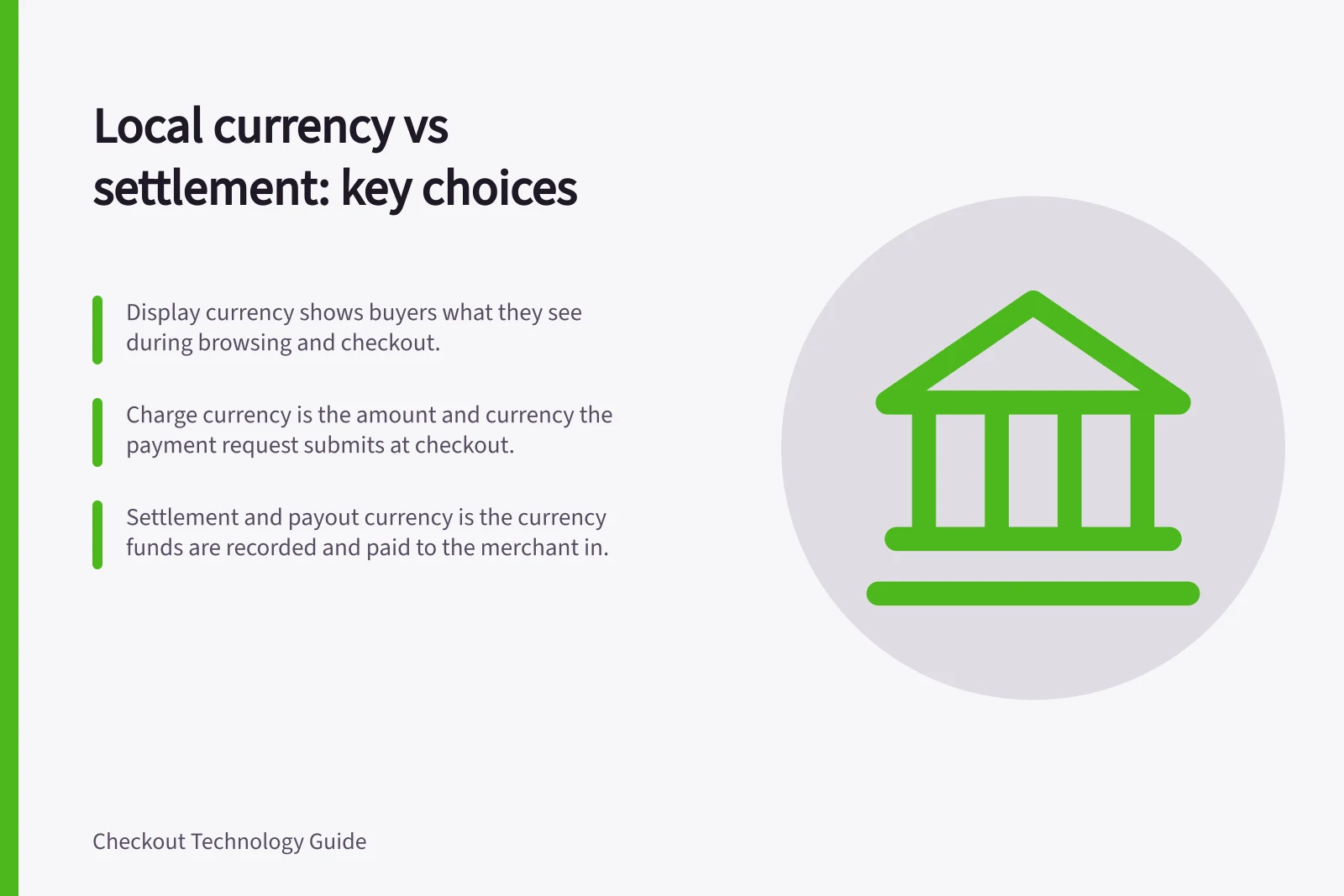
| Display | What currency does the buyer see while browsing and reviewing the order? |
| Charge | What amount and currency does the payment request submit? |
| Settlement and payout | In what currency are funds recorded and paid to the merchant? |
If a local-currency display is only an estimate, label it that way and show the actual charge currency beside the final payment total. Do not let a currency selector imply that the buyer will pay locally when checkout switches to AUD.
Decide what the buyer needs
Follow one basket from product page to confirmation. Check what happens when the destination changes, whether discounts and delivery use consistent conversion and whether the chosen method can charge in the intended currency.
Shopify’s documentation says you can set a specific currency for each market so customers can browse, pay and receive refunds in a currency familiar to them. Prices are converted using automatic or manual exchange rates, and a currency conversion fee applies when using automatic rates. Confirm the charge currency for your payment setup before relying on a local display.
Charging in a buyer’s currency does not guarantee freedom from an international transaction fee. The card issuer may still charge one when the payment method and merchant are in different countries. Avoid promising a fee-free payment.
Local Currency Display vs. Local Settlement: Key Trade-offs
- Pros of Local Currency DisplayImproves buyer confidence and conversion by showing prices in familiar currency; reduces cart abandonment.
- Cons of Local Currency DisplayMay be an estimate; actual charge could differ due to exchange rates or fees; risk of confusion if not clearly labelled.
- Pros of Local Currency ChargingMatches buyer expectations when supported; can reduce perceived transaction friction.
- Cons of Local Currency ChargingCard issuer may still apply international transaction fees; not guaranteed fee-free payments.
- Pros of Foreign-Currency SettlementRetains foreign revenue in original currency; useful for businesses with global operations.
- Cons of Foreign-Currency SettlementRequires a foreign-currency bank account; may incur additional fees; not all providers support it for every region.
Decide how the merchant receives funds
If a foreign-currency charge is converted before an AUD payout, check when conversion occurs and how fees and refunds appear in the account records.
If the business wants to retain a foreign currency, confirm that the provider supports settlement and payout in it for this merchant account, the required bank account and the fees. A foreign-currency bank account alone does not make every charge eligible for matching-currency settlement.
The provider rules are different. Shopify’s documentation states that your domestic currency is determined by your Shopify Payments region and is the default currency for your payouts (for example, EUR for Germany or CAD for Canada). Non-domestic currencies might be available depending on your location and Shopify plan.
Adyen says settlement currency depends on acquiring region and payment method. Stripe documents settings for additional-currency settlement and matching bank accounts. A supported-currency list is a starting point, not approval for a particular account.
Key Provider Support for Currencies in Australia
- Stripe – Supported Settlement CurrenciesAUD, USD, EUR, GBP, JPY, CAD, and more (based on merchant account setup)
- Adyen – Settlement Currency RulesDepends on acquiring region and payment method; requires matching bank account and provider approval
- Shopify Payments – Default Payout CurrencyDetermined by Shopify Payments region (e.g., AUD for Australia); non-domestic options available based on plan and location
Compare the arrangements
For the same proposed basket, record the displayed total, charge amount and currency, provider balance entry, payout currency and refund route. Obtain the current fees and account requirements for each workable option.
Local display with an AUD charge may be sufficient if the charge currency is unmistakable. A local-currency charge may better match the buyer’s expectation when the provider and method support it.
Add foreign-currency settlement when its account requirements and operating benefit justify it. The three choices need not be introduced together.
Currency Flow: Display, Charge, and Settlement in Checkout
- Display CurrencyWhat the buyer sees on product pages and checkout (e.g., USD for US customers)
- Charge CurrencyThe currency used to process the payment (may differ from display)
- Settlement & Payout CurrencyThe currency in which funds are deposited into the merchant’s bank account (e.g., AUD for Australian businesses)